Introduction
Apple introduced MagSafe accessories guide with the iPhone 12 series, bringing a new level of convenience to wireless charging and magnetic accessories. Instead of carefully placing your phone on a wireless charging pad, MagSafe uses a ring of precisely aligned magnets that snap compatible accessories into the correct position.
Since then, the MagSafe ecosystem has grown rapidly. Today you can find magnetic chargers, wallets, car mounts, desktop stands, tripods, battery packs, camera grips, and many other accessories designed specifically for MagSafe-compatible devices.
However, not every product labeled “MagSafe compatible” offers the same experience. Some accessories only include magnets without supporting Apple’s full MagSafe charging capabilities. Others support the newer Qi2 wireless charging standard, while some provide faster charging, stronger magnets, or better build quality than others.
Choosing the wrong accessory can lead to slower charging, poor magnetic attachment, overheating, or unnecessary spending.
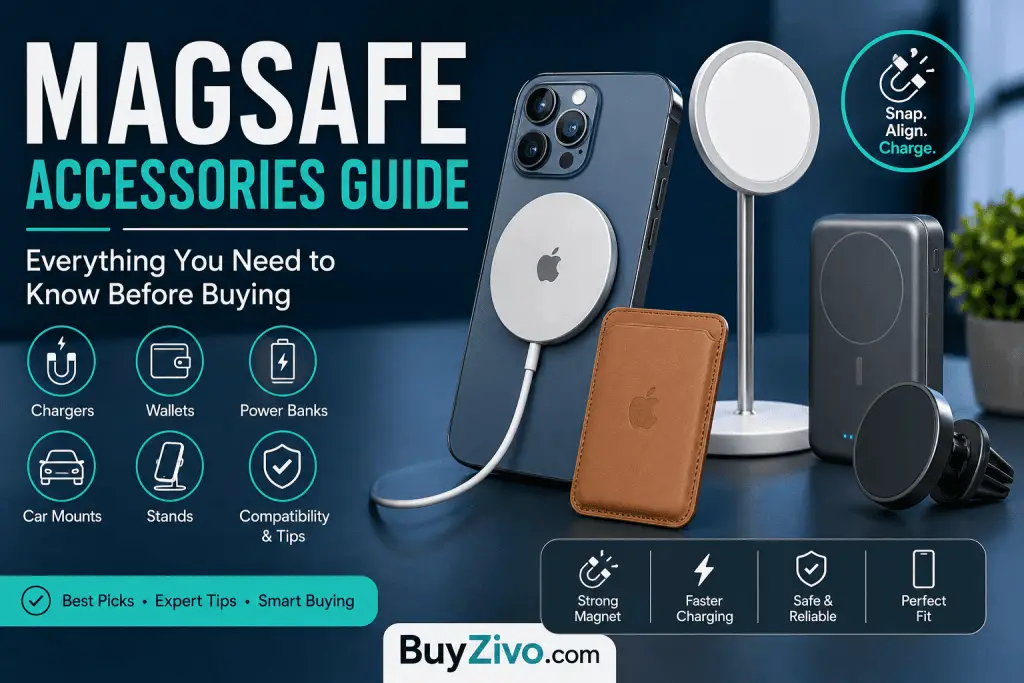
This comprehensive guide explains everything you need to know before buying MagSafe accessories, including how MagSafe works, compatibility, different accessory types, important buying factors, safety considerations, and practical recommendations for different users.
Quick Answer
A MagSafe accessory uses magnets to align and attach securely to compatible iPhones and cases. Popular MagSafe accessories include wireless chargers, power banks, wallets, car mounts, stands, and battery packs. When buying one, check compatibility, charging speed, magnetic strength, build quality, and official certification to ensure safe and reliable performance.
What Is MagSafe?
MagSafe is Apple’s magnetic attachment system built around a ring of magnets integrated into compatible iPhones and accessories.
The system serves two primary purposes:
- It aligns wireless chargers perfectly for more reliable charging.
- It securely attaches compatible accessories without clips, brackets, or adhesive.
Unlike ordinary Qi wireless charging, MagSafe automatically centers the charging coil, reducing alignment problems that often cause slow or interrupted charging.
Besides charging, MagSafe creates an entire accessory ecosystem that allows users to quickly swap accessories throughout the day.
For example:
- Attach a wallet before leaving home.
- Replace it with a power bank while traveling.
- Snap your phone onto a car mount while driving.
- Place it on a charging stand at your desk.
Everything attaches magnetically in just a second.
How Does MagSafe Work?
Inside every MagSafe-compatible iPhone is a carefully engineered circular array of magnets surrounding the wireless charging coil.
When a compatible accessory approaches the phone:
- The magnets automatically detect alignment.
- The accessory snaps into the correct position.
- Wireless charging coils line up accurately.
- Communication between the charger and iPhone begins (for certified charging accessories).
- Charging starts with optimized power delivery.
Because alignment happens automatically, charging becomes more reliable than traditional wireless charging pads where slight misplacement can reduce efficiency.
MagSafe vs Ordinary Magnetic Wireless Charging
Many buyers assume every magnetic charger is a true MagSafe charger, but that is not always the case.
| Feature | Apple MagSafe | Generic Magnetic Charger |
|---|---|---|
| Magnetic alignment | Yes | Usually |
| Official MagSafe technology | Yes | Usually No |
| Optimized charging communication | Yes | Not always |
| Strong magnetic attachment | Yes | Varies |
| Apple compatibility testing | Yes | No |
| Premium accessory ecosystem | Yes | Limited |
Some third-party products are marketed as “MagSafe compatible.” This generally means they attach magnetically to compatible iPhones, but they may not support Apple’s full MagSafe charging implementation.
When shopping, always read the product specifications carefully rather than relying only on marketing terms.
Which iPhones Support MagSafe?
Apple introduced MagSafe with the iPhone 12 lineup and has continued supporting it in newer flagship models.
Generally, MagSafe is available on:
- iPhone 12 series
- iPhone 13 series
- iPhone 14 series
- iPhone 15 series
- iPhone 16 series
Some newer iPhone models also support the Qi2 wireless charging standard, which builds upon magnetic alignment concepts and improves interoperability across compatible devices.
If your phone does not include MagSafe, you can still use certain magnetic accessories by installing a compatible magnetic case or adhesive magnetic ring. However, charging performance and magnetic strength may differ from native MagSafe support.
Why MagSafe Has Become So Popular
MagSafe offers several practical advantages over traditional wireless accessories:
Easy One-Handed Use
Accessories snap into place automatically without careful positioning.
Reliable Wireless Charging
Proper coil alignment improves charging consistency and reduces interruptions caused by incorrect placement.
Cleaner Workspace
MagSafe charging stands eliminate cable clutter while keeping your phone upright for video calls, notifications, and StandBy mode.
Travel Friendly
Magnetic power banks and wallets can be attached or removed in seconds without carrying extra cables or mounts.
Expanding Accessory Ecosystem
The popularity of MagSafe has encouraged many reputable manufacturers to create high-quality accessories, giving users a wide range of options for different budgets and use cases.
Types of MagSafe Accessories
One of MagSafe’s biggest strengths is the growing ecosystem of accessories designed for different needs. Whether you want faster charging, better productivity, easier travel, or a cleaner desk setup, there’s likely a MagSafe accessory that fits.
Here are the most popular categories.
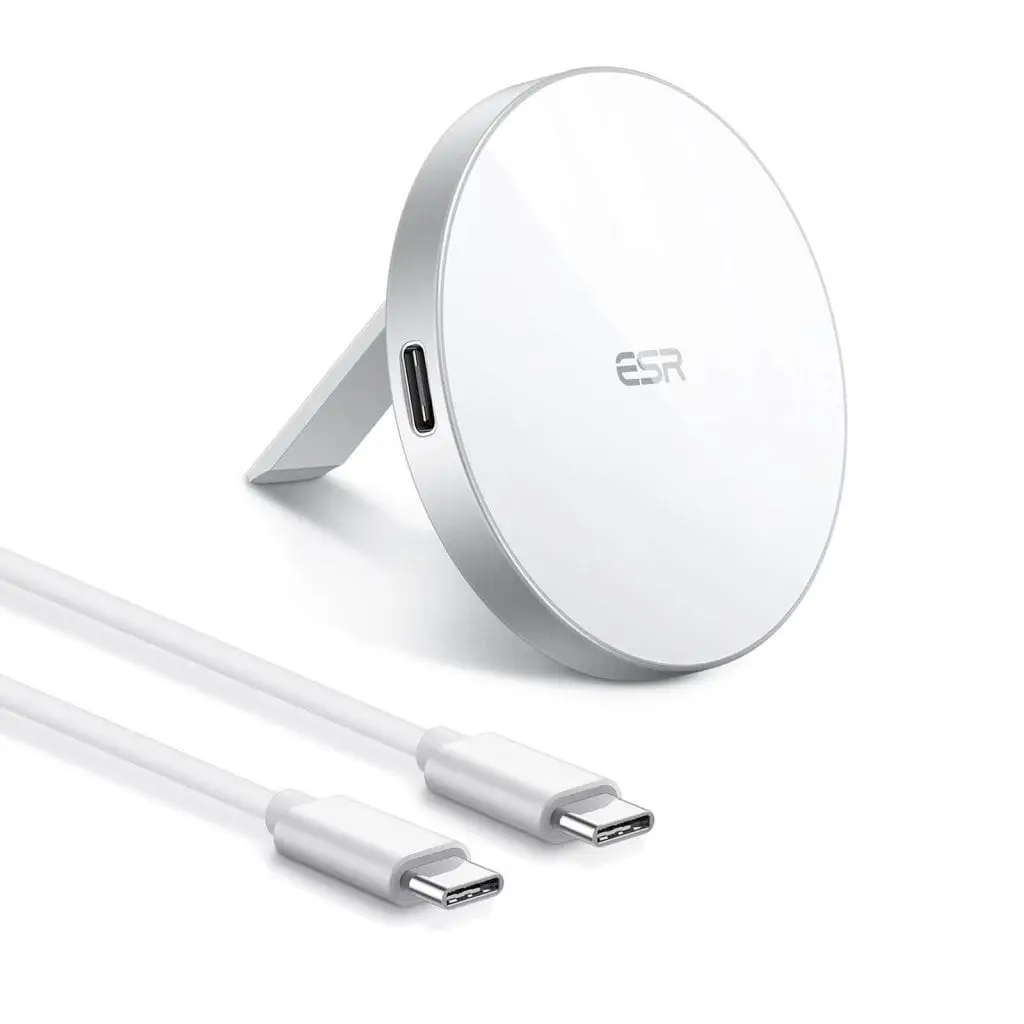
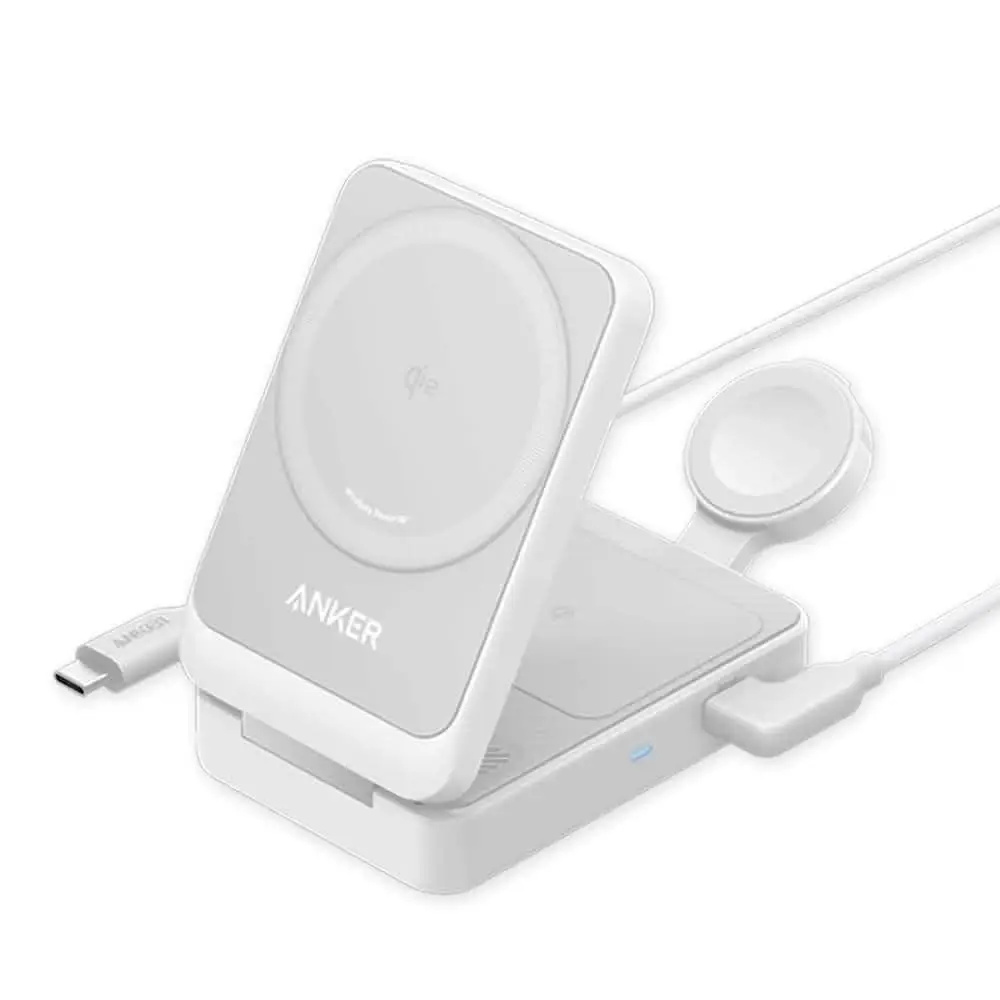
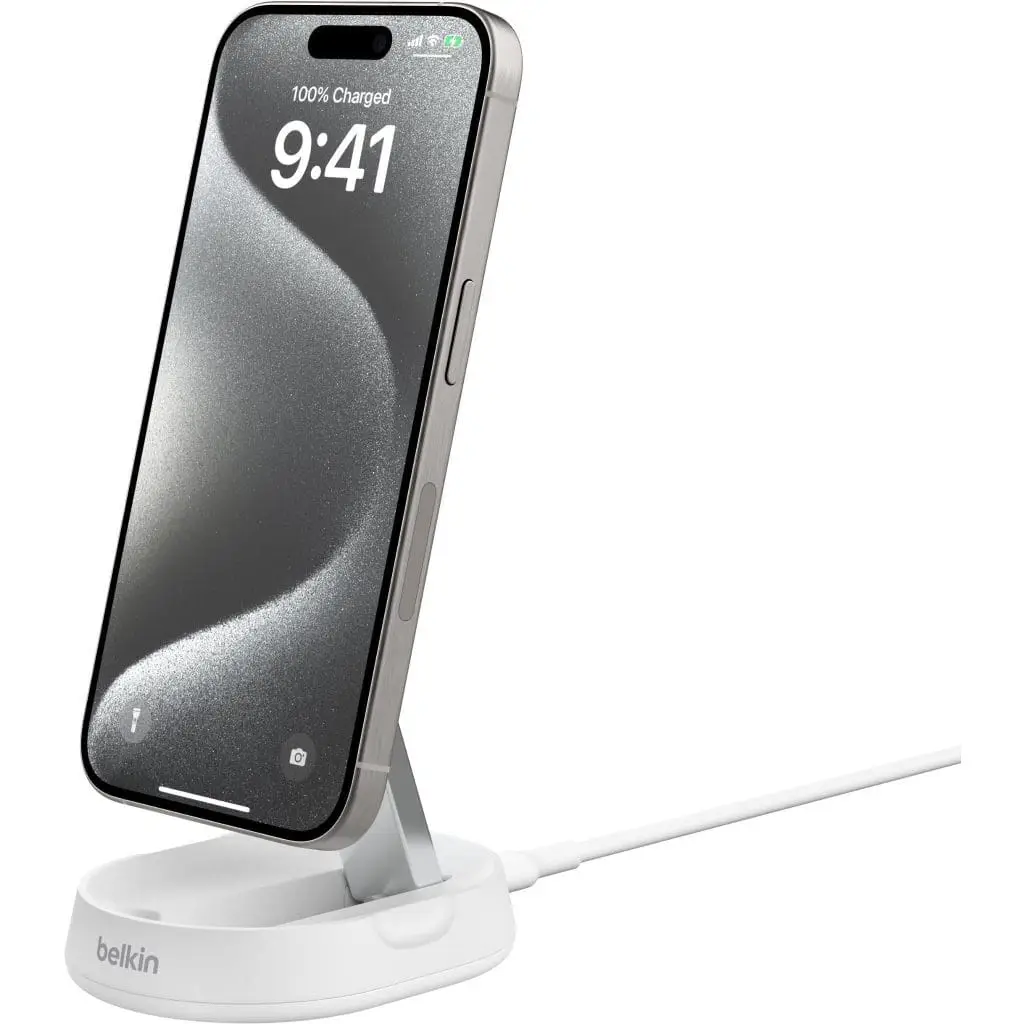
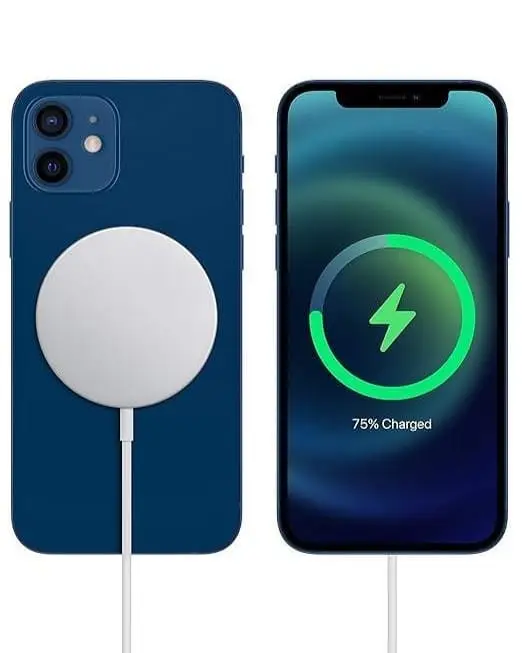
1. MagSafe Chargers
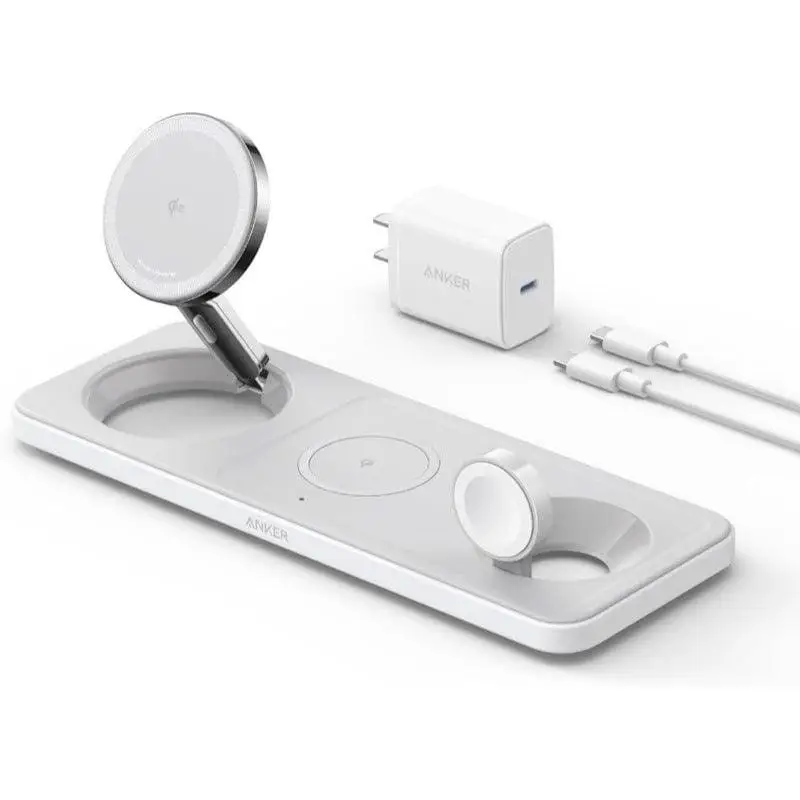
MagSafe chargers are the most common accessories and are designed to align perfectly with compatible iPhones for reliable wireless charging.
Best For
- Daily charging
- Bedside tables
- Office desks
- Minimal cable setups
Advantages
- Automatic magnetic alignment
- More consistent wireless charging than ordinary Qi pads
- Simple one-handed attachment
- Reduced charging interruptions caused by poor positioning
What to Look For
- Official MagSafe support or clear Qi2 compatibility
- USB-C input
- High-quality braided cable
- Good heat management
- Reputable manufacturer
Avoid extremely cheap chargers that provide no information about safety testing or certifications.
2. MagSafe Power Banks
MagSafe power banks combine portable charging with magnetic attachment, eliminating the need to carry a cable while walking or traveling.
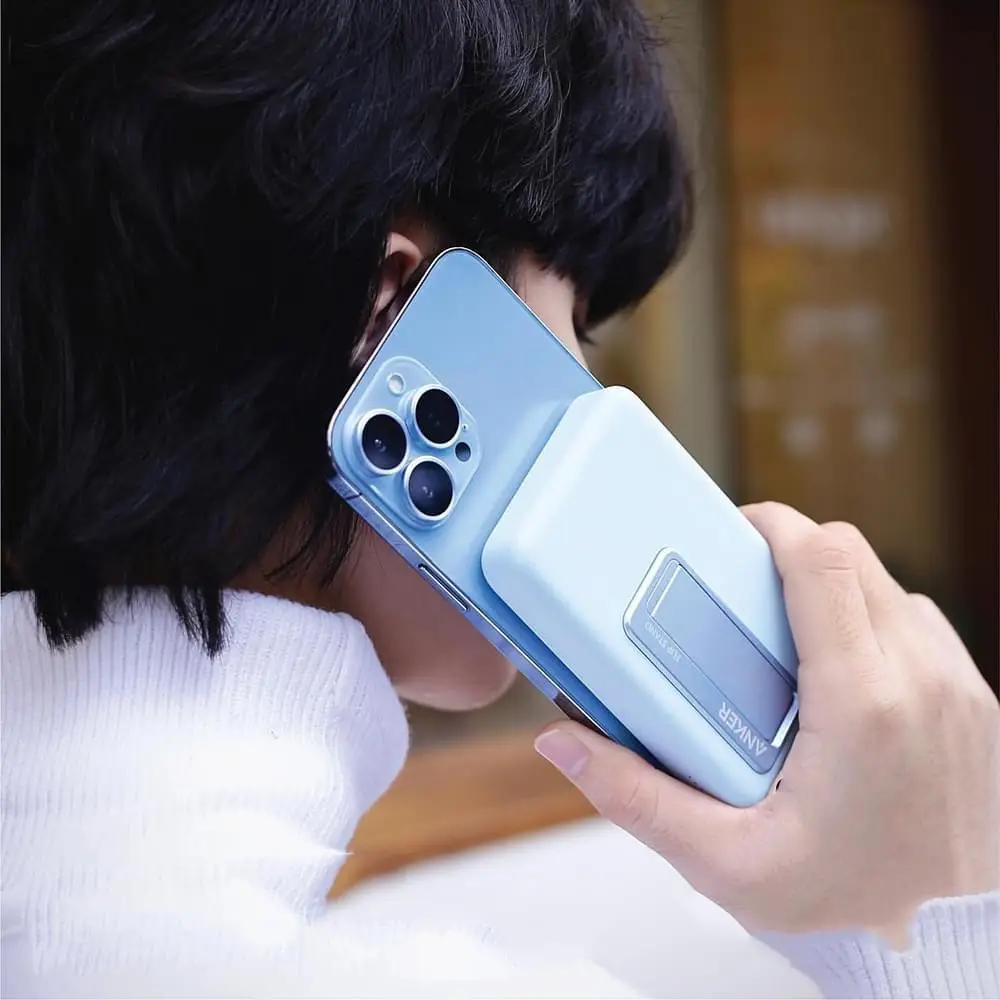
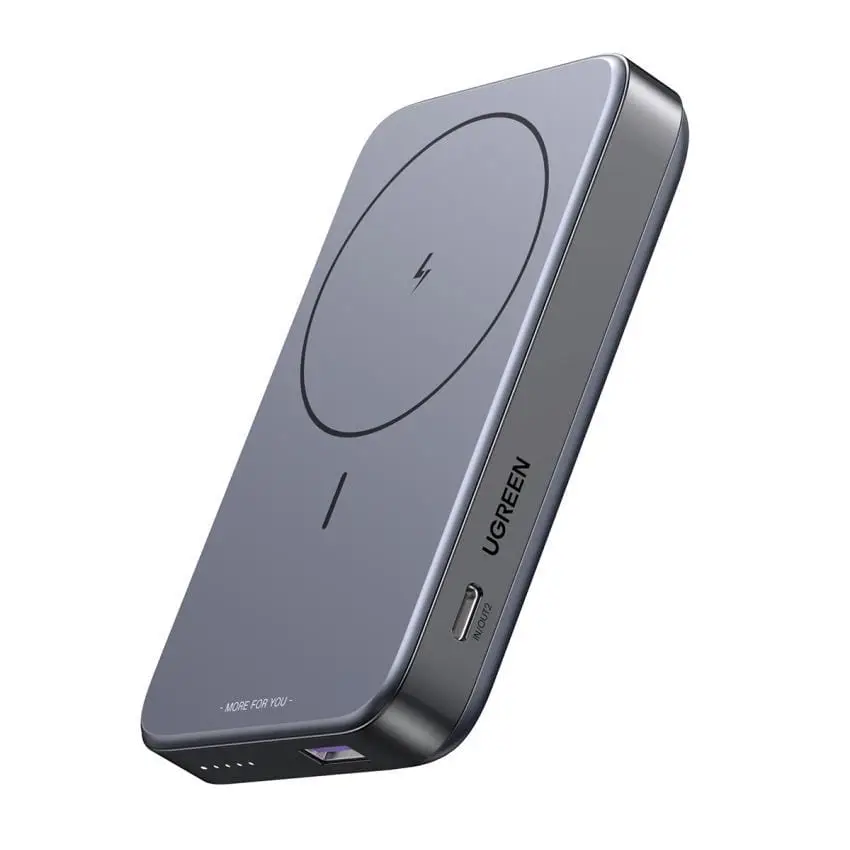
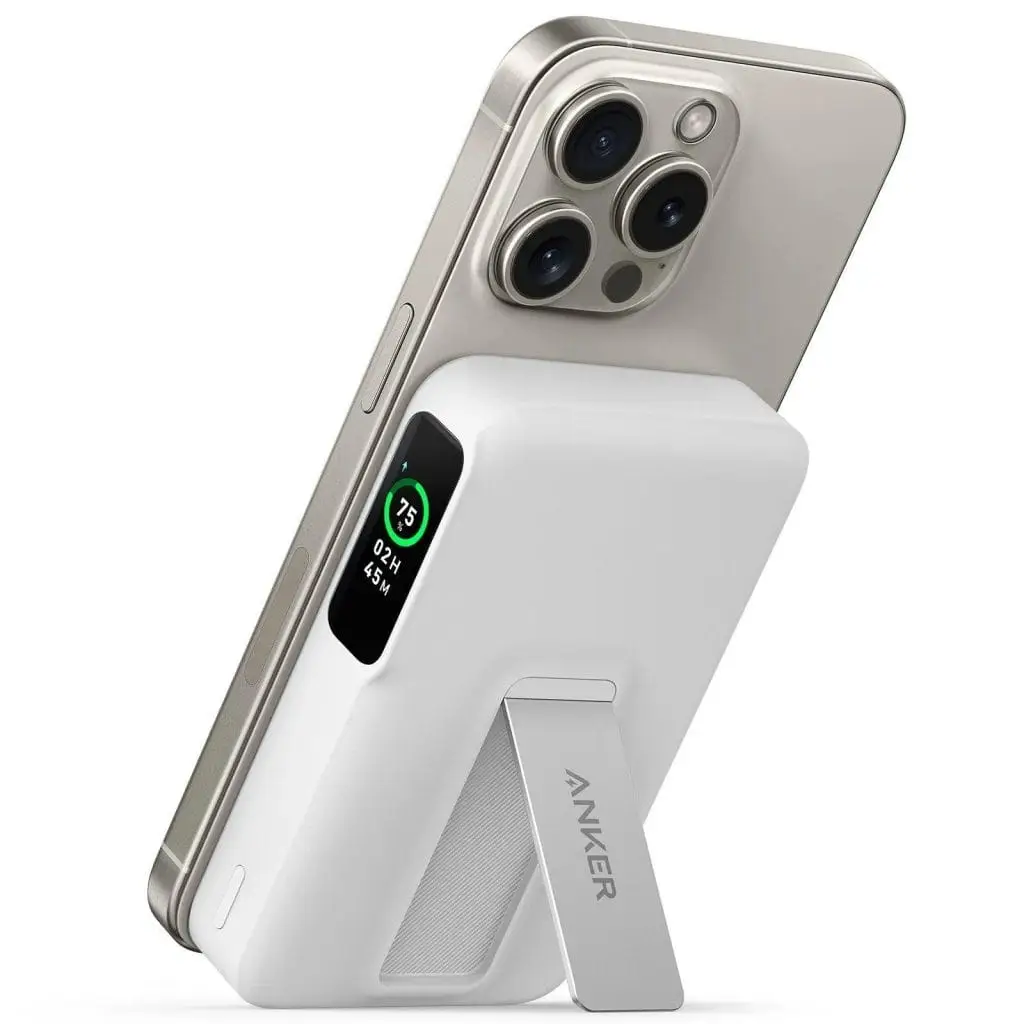
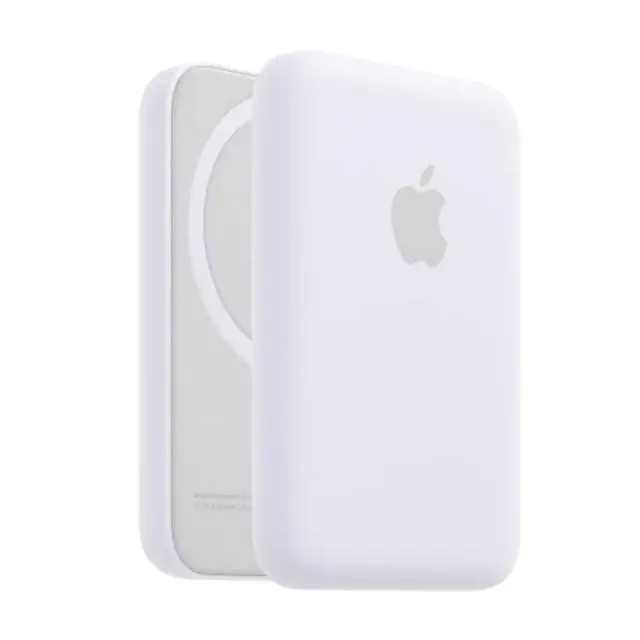
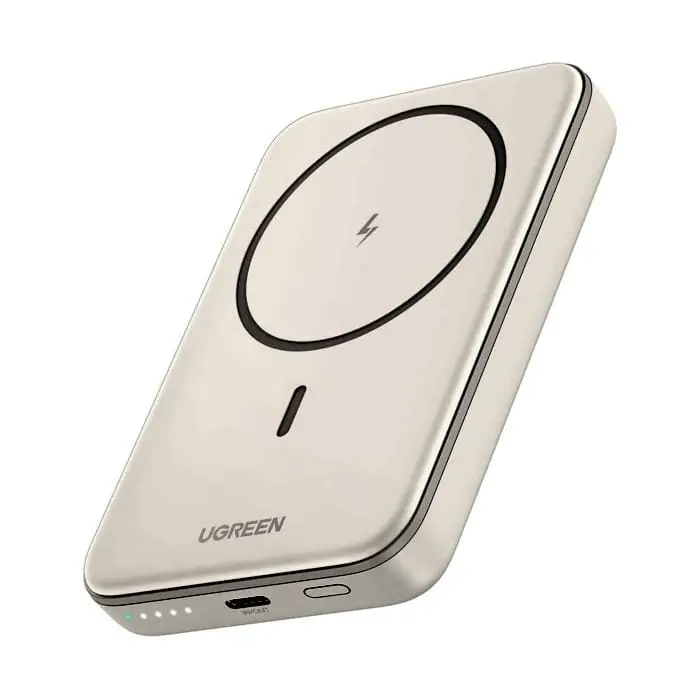
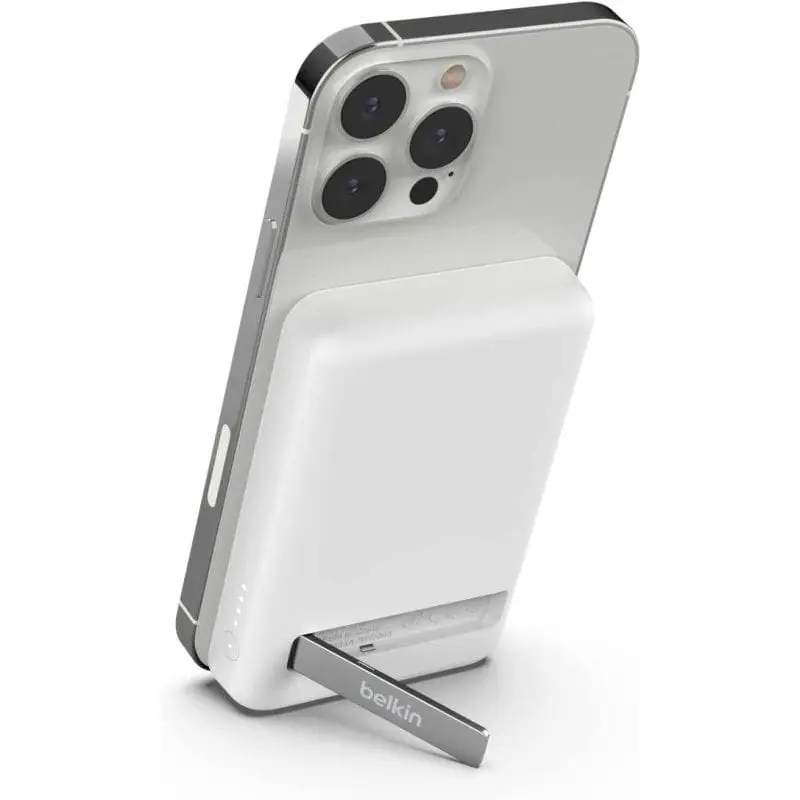
Instead of connecting a charging cable every time, simply attach the battery pack to the back of your iPhone.
Ideal For
- Travelers
- Students
- Business professionals
- Outdoor activities
- Daily commuters
Buying Tips
Choose a power bank with:
- Adequate battery capacity
- Strong magnetic attachment
- USB-C charging
- Pass-through charging (if available)
- Good temperature control
A higher battery capacity increases weight, so balance portability with runtime based on your needs.
3. MagSafe Wallets
MagSafe wallets securely attach to the back of your iPhone, allowing you to carry a few essential cards without needing a traditional wallet.
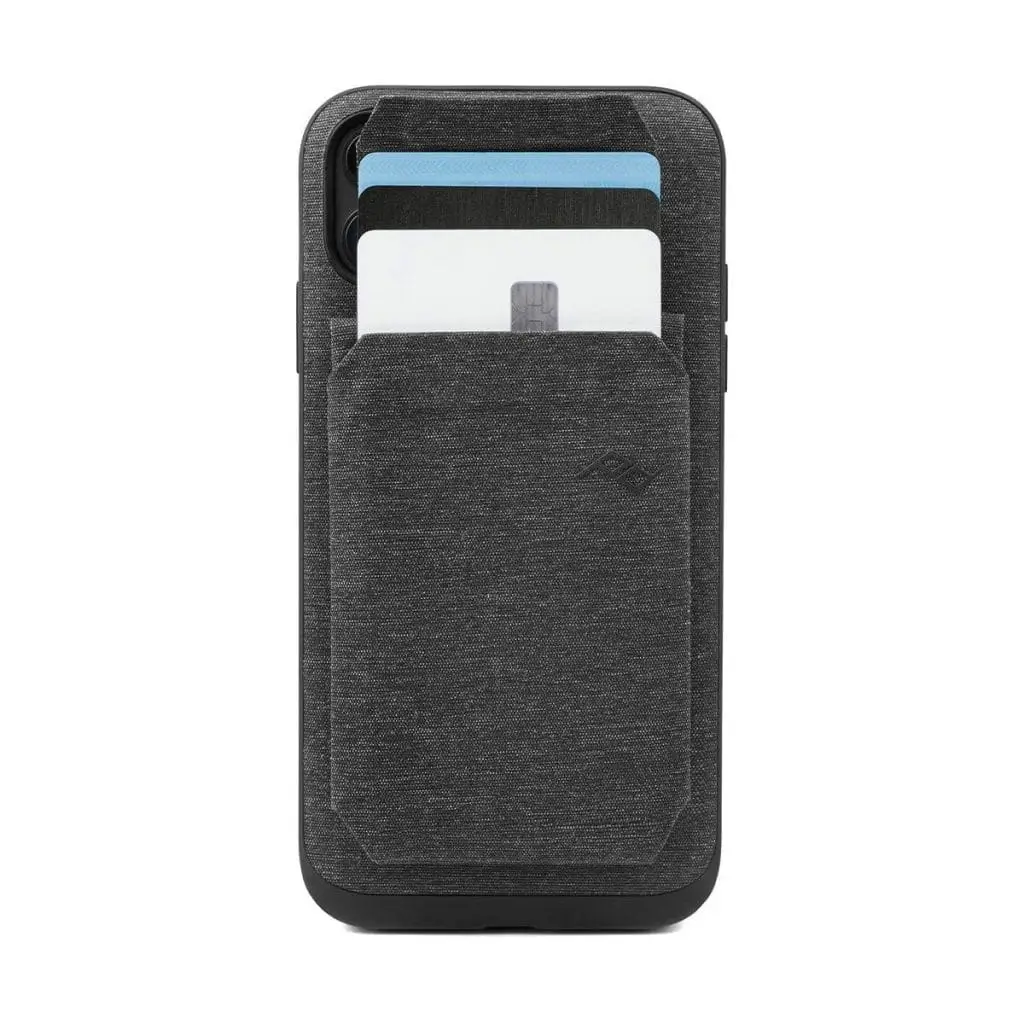
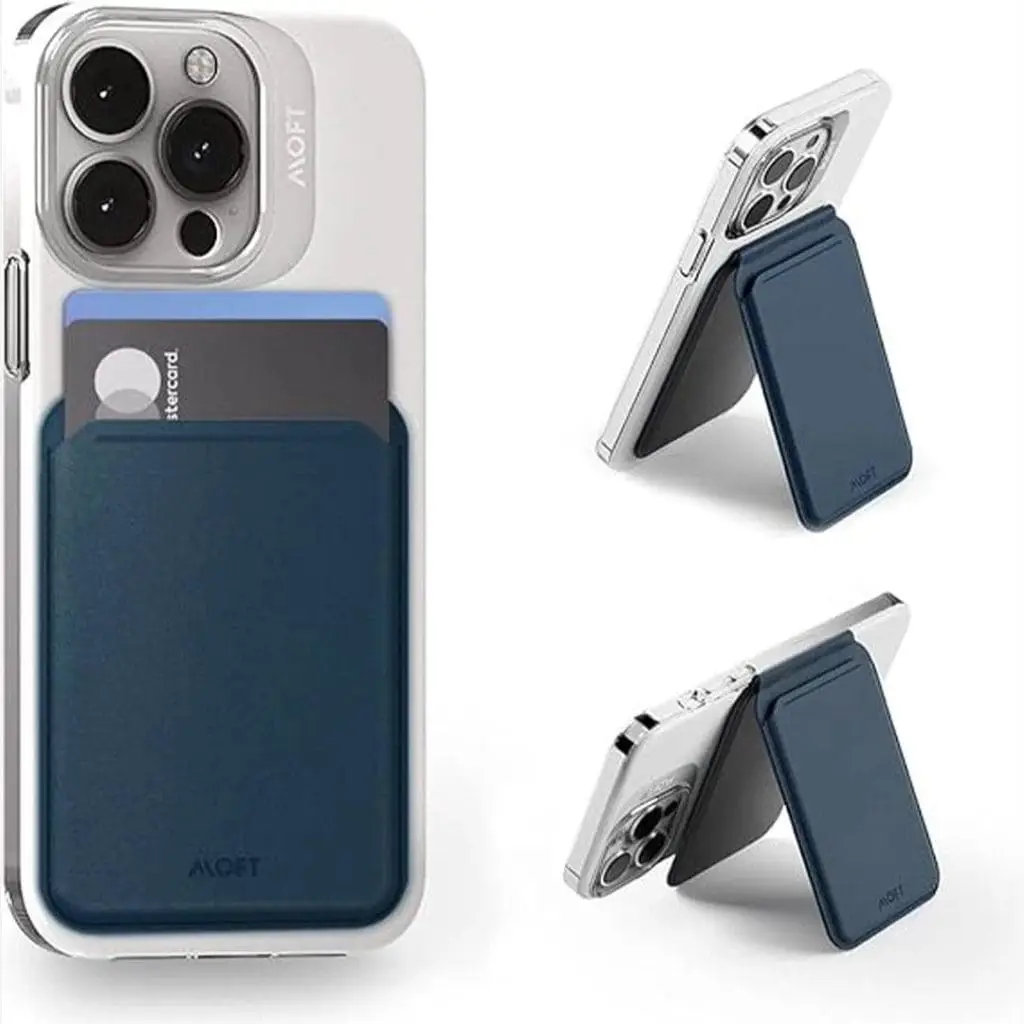
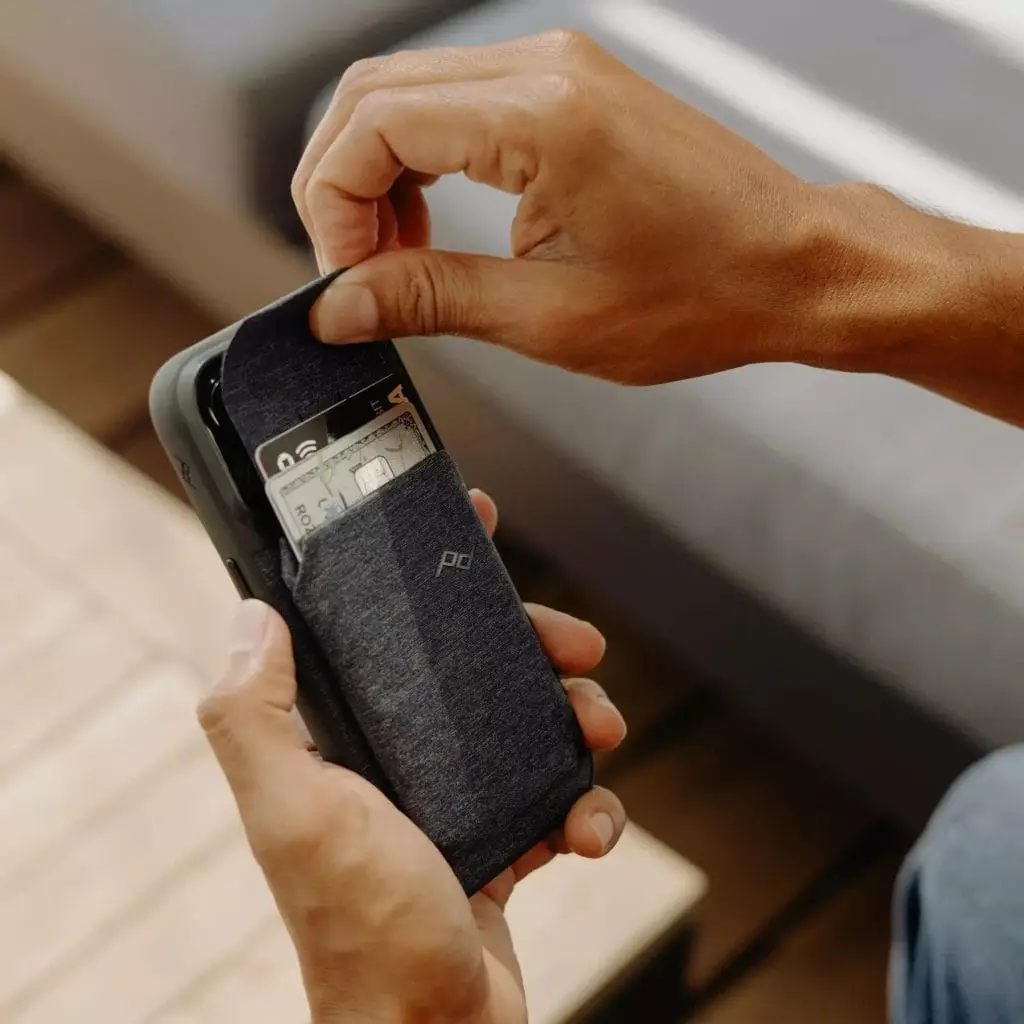
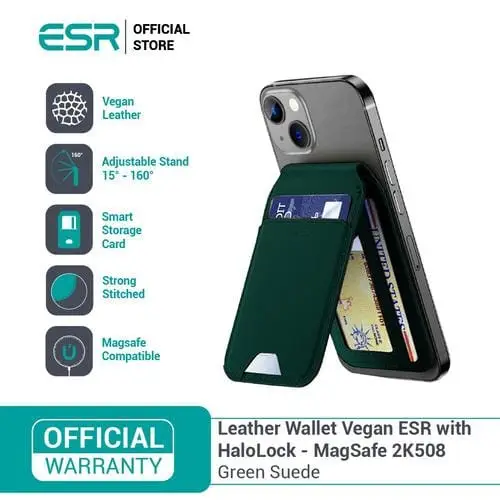
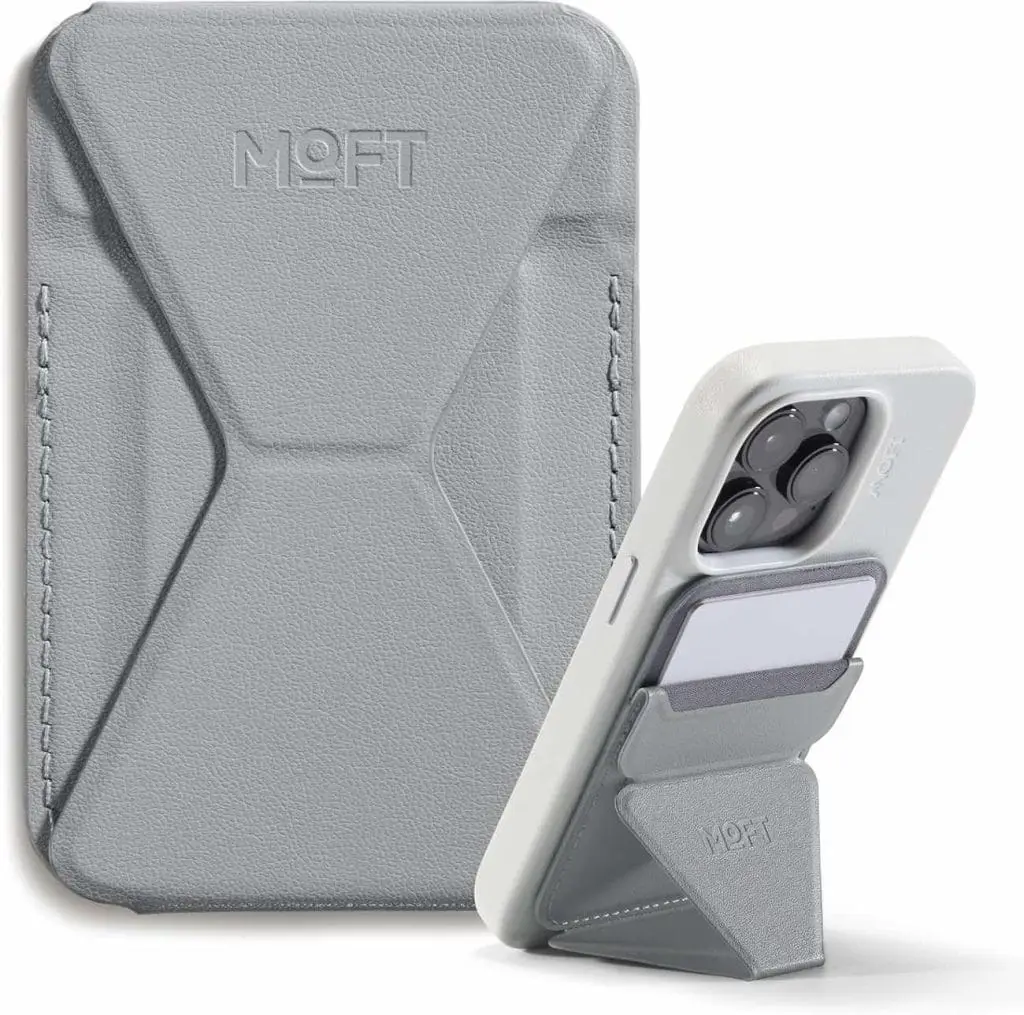
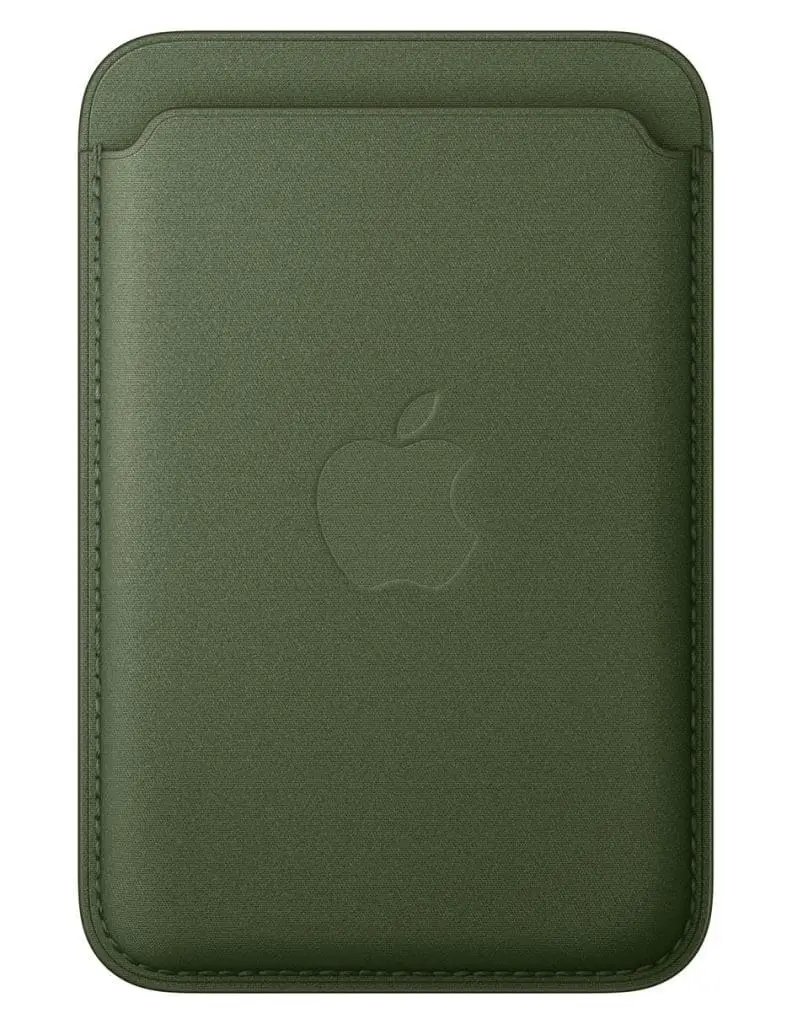
Most wallets hold:
- Credit cards
- ID cards
- Driver’s license
- Transit cards
Pros
- Slim profile
- Easy removal
- No bulky pockets
- Convenient for everyday use
Consider Before Buying
- Card capacity
- Magnetic strength
- Material quality
- RFID protection (if offered)
Remember that carrying too many cards may weaken the wallet’s grip.
4. MagSafe Car Mounts
MagSafe car mounts make navigation significantly easier by allowing you to mount your phone with one hand.
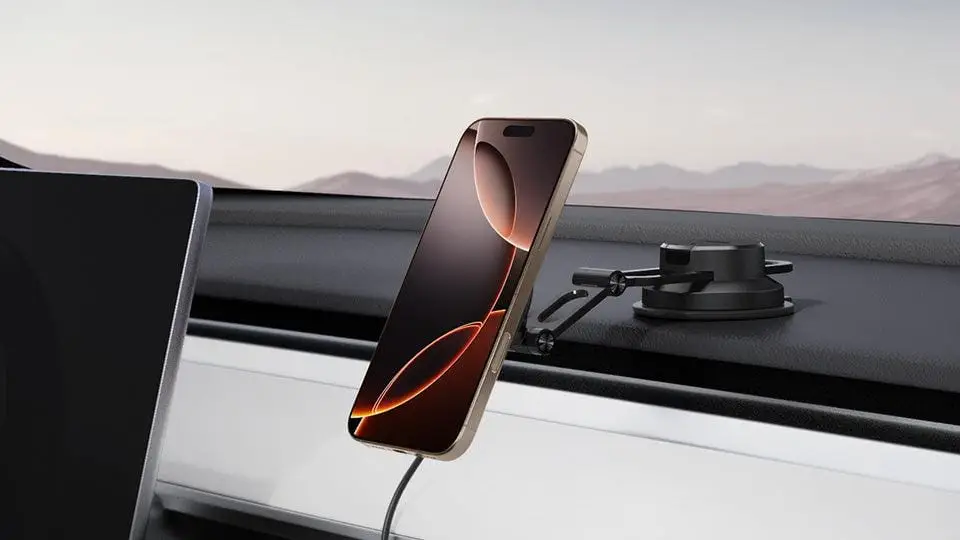
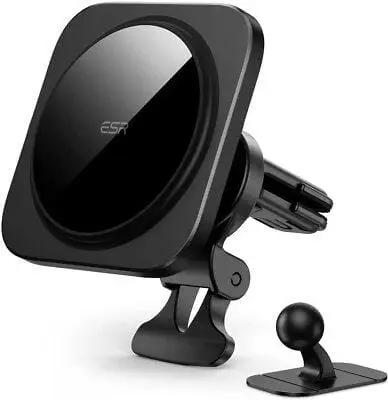
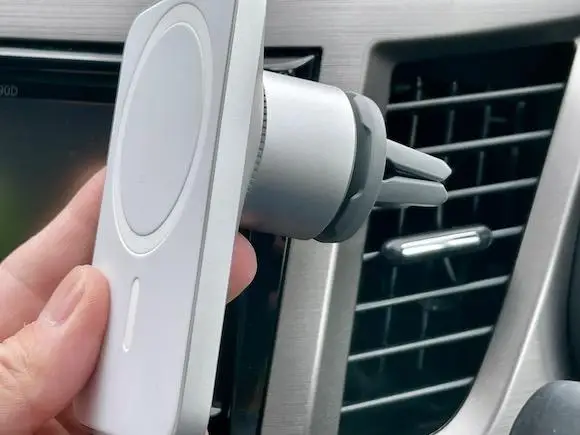
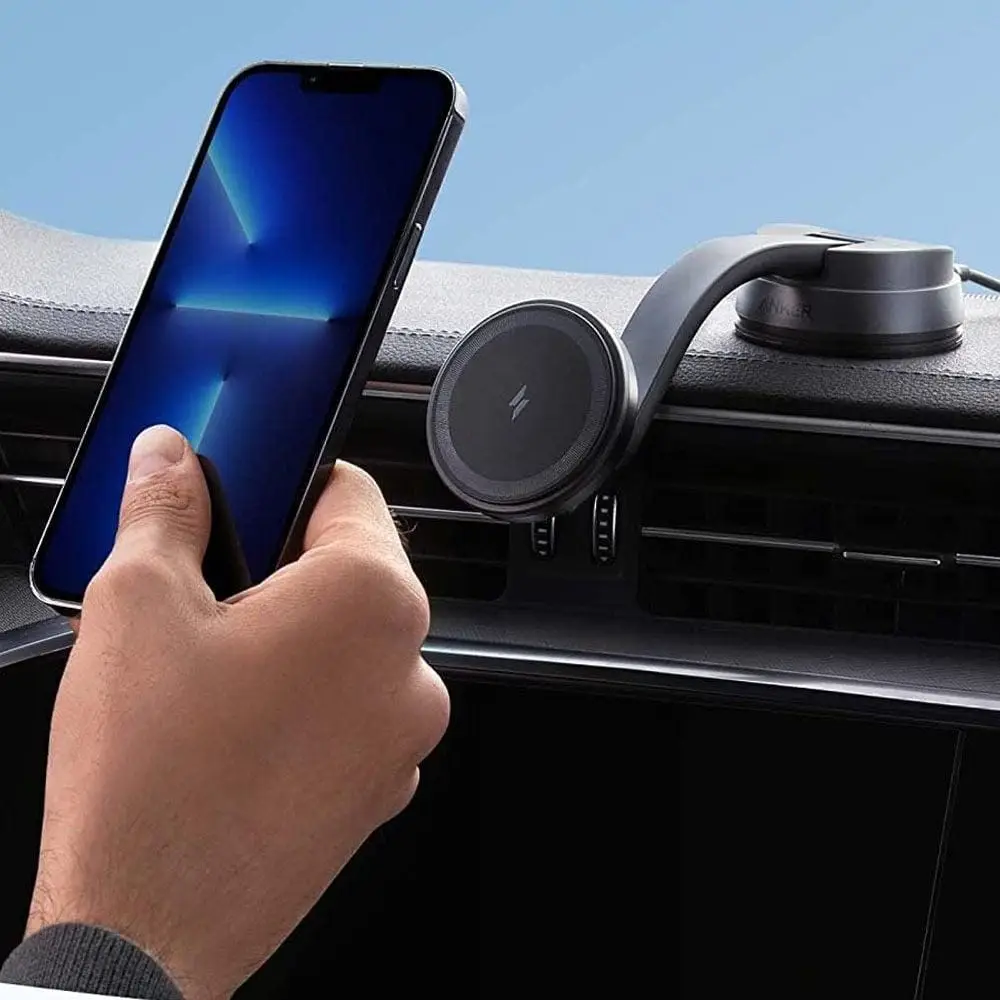
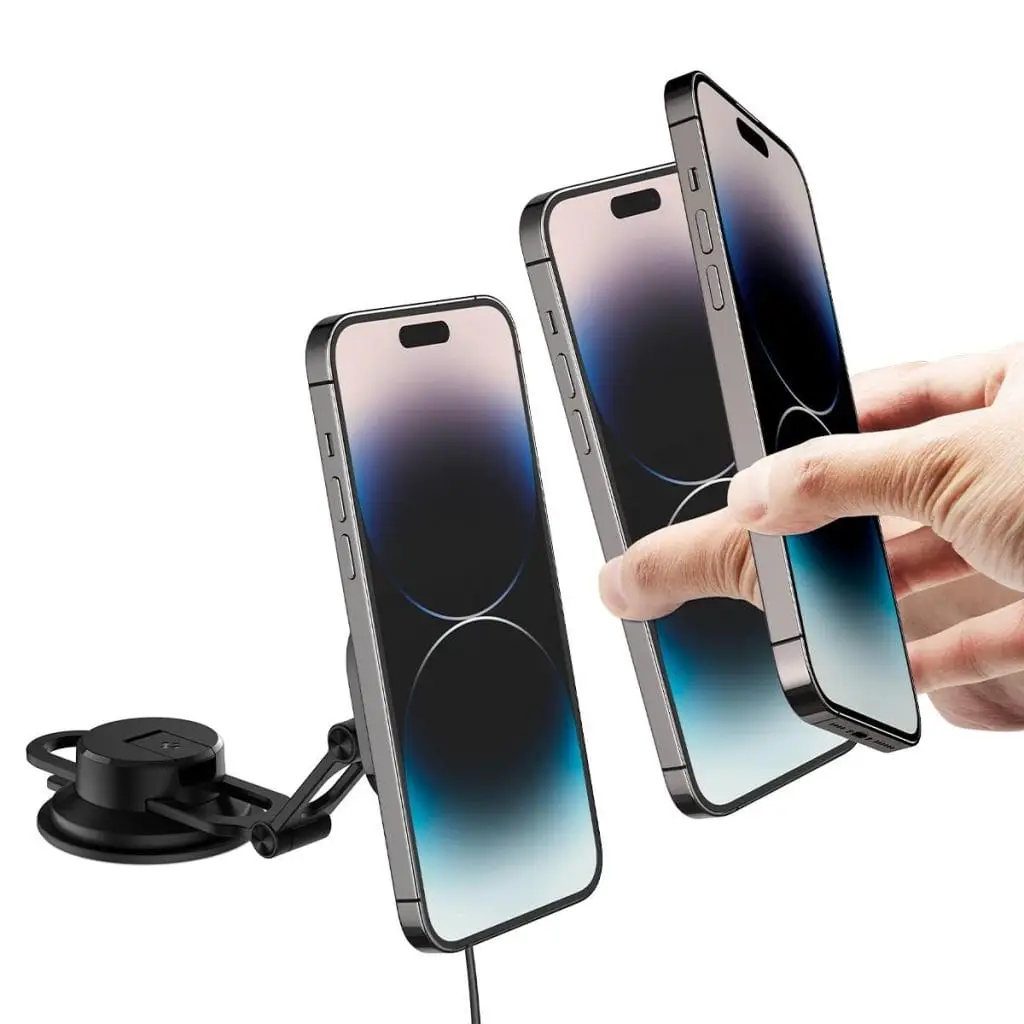
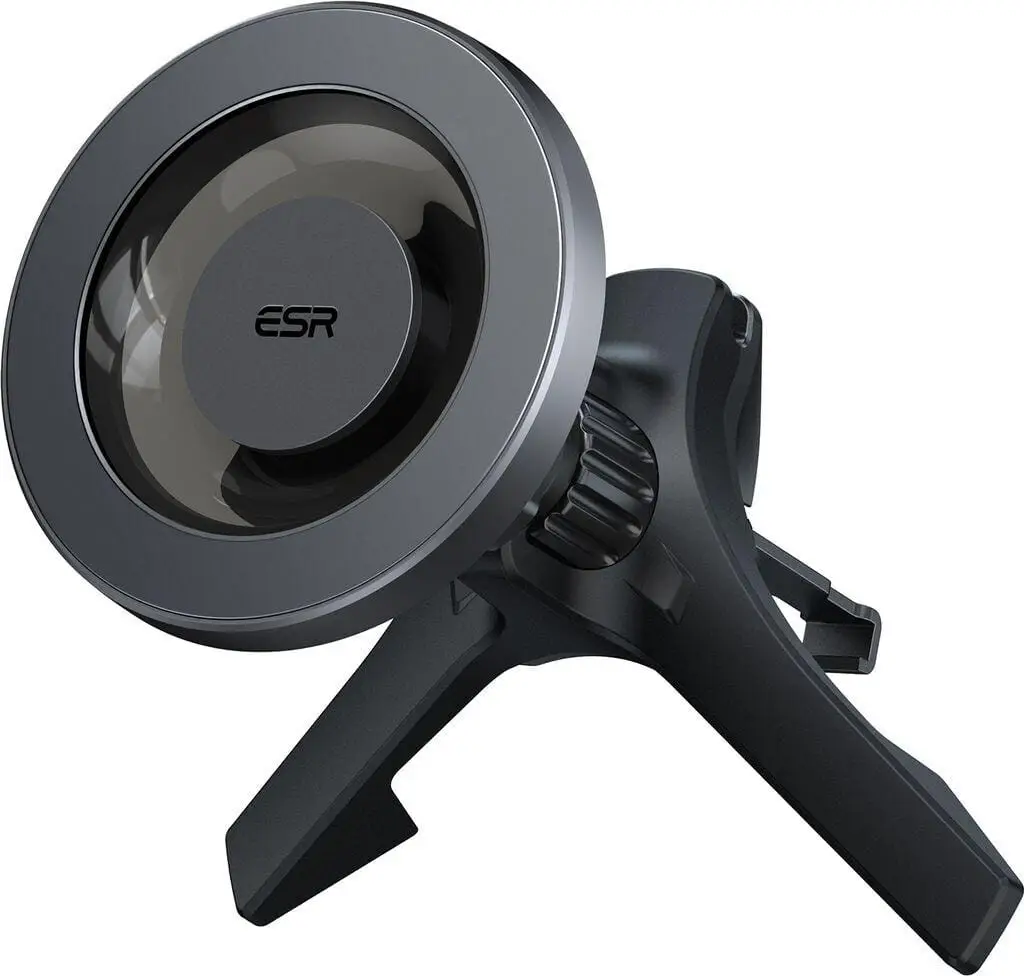
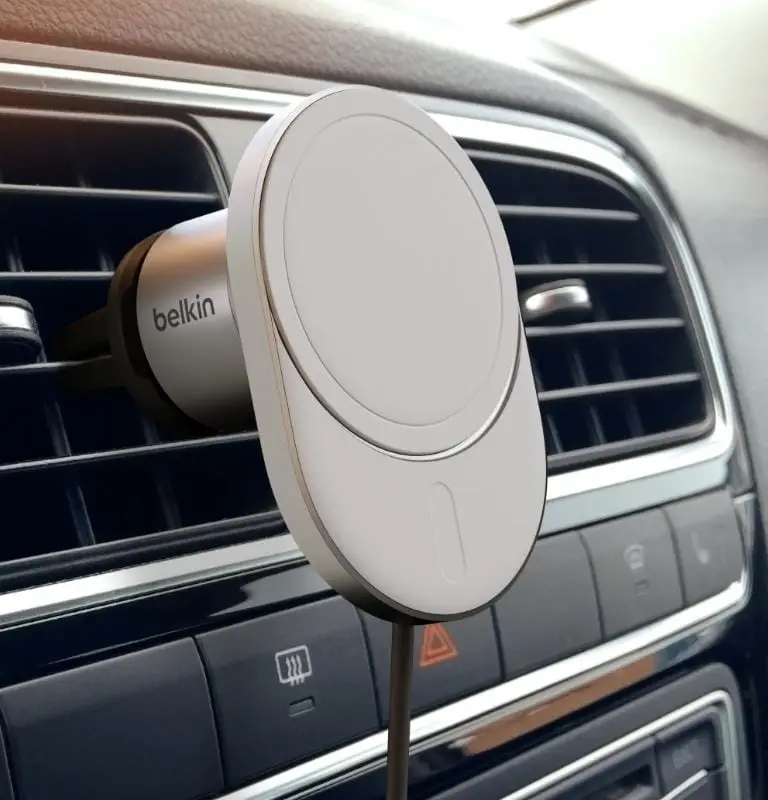
Unlike traditional spring-loaded holders, magnetic mounts are faster and more convenient.
Benefits
- Quick attachment
- Cleaner dashboard
- Better viewing angle
- Improved navigation experience
Features to Prioritize
- Strong magnets
- Adjustable viewing angle
- Stable mounting mechanism
- Heat-resistant construction
If wireless charging is built into the mount, ensure it clearly supports MagSafe or Qi2 charging.
5. MagSafe Charging Stands
Charging stands transform your phone into a desk companion while keeping it charged.
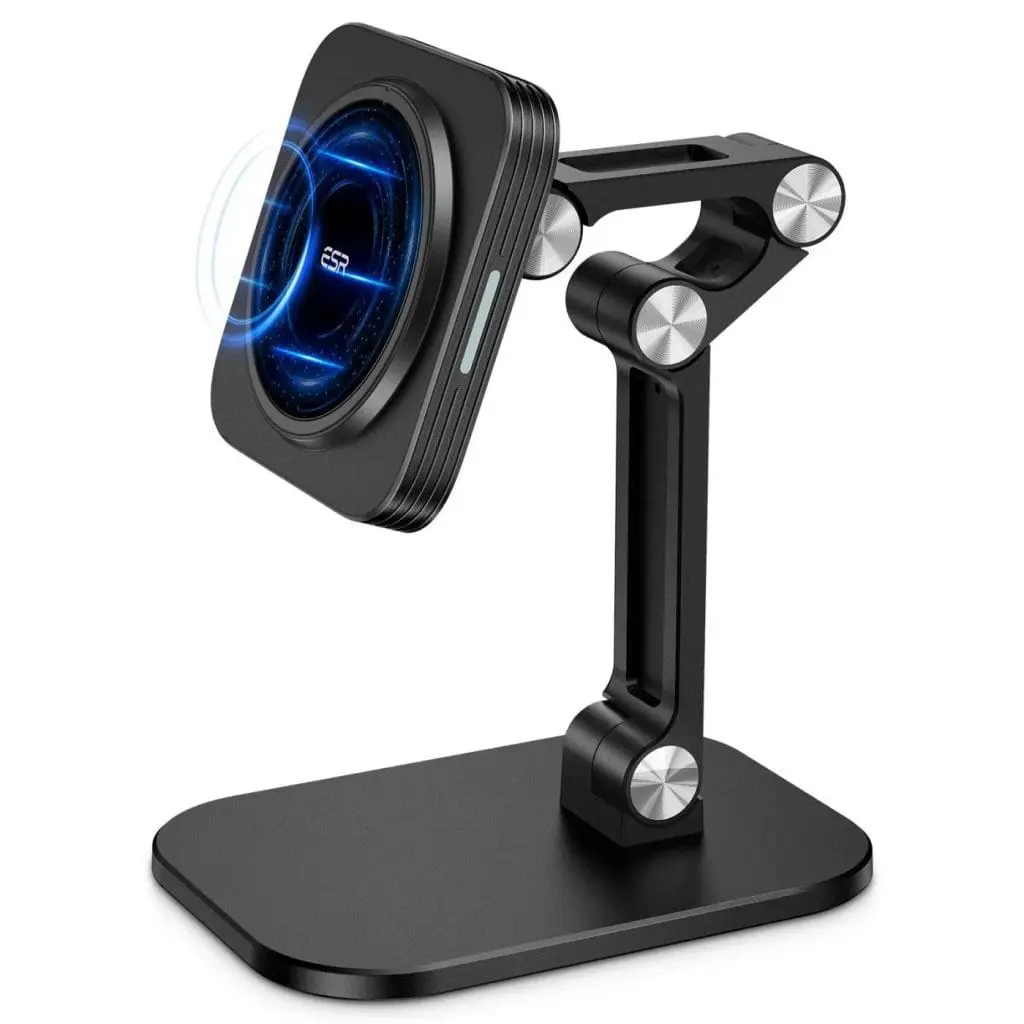
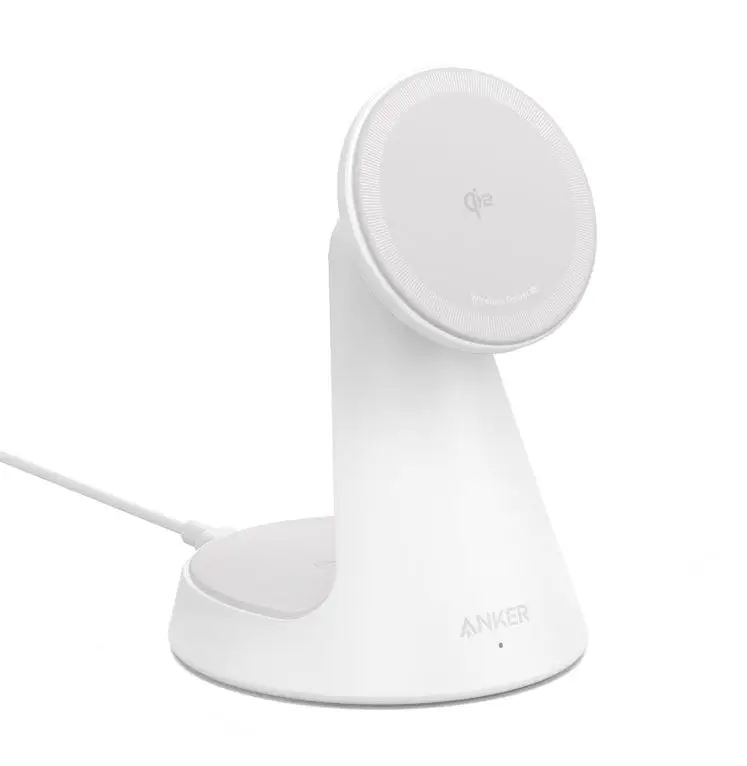
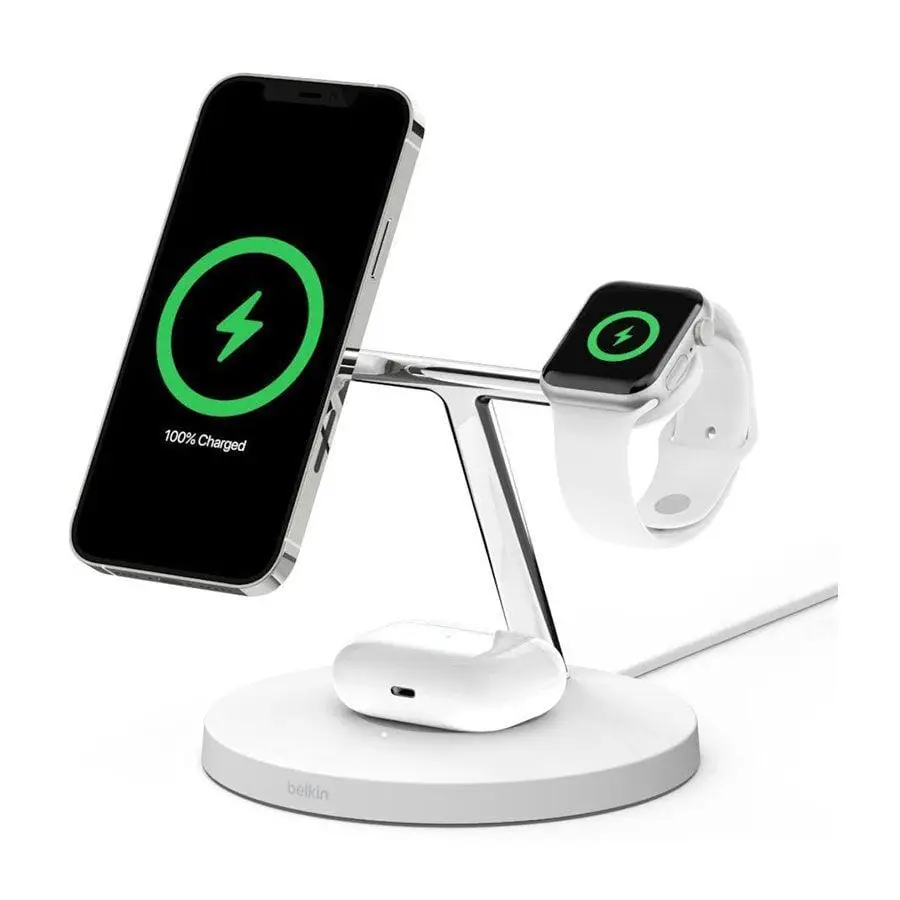
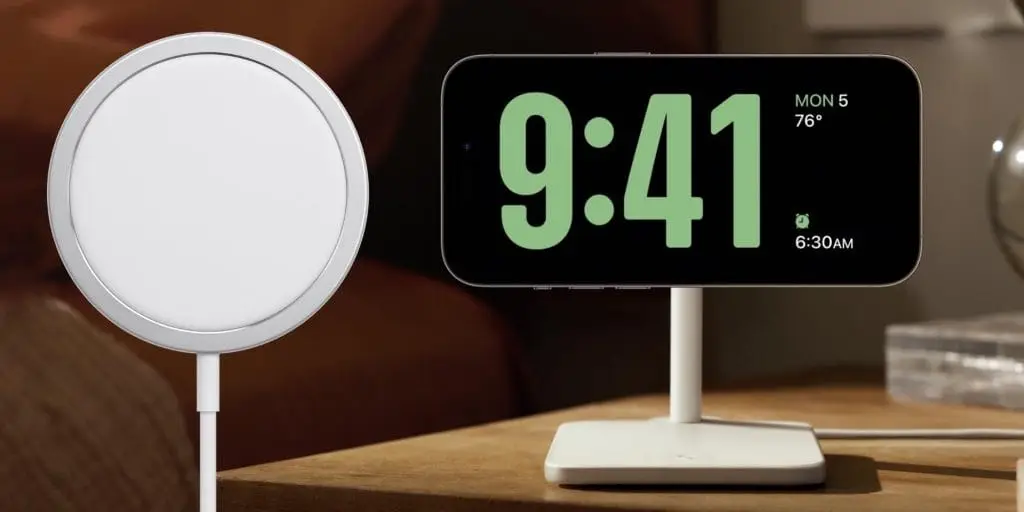
These are excellent for:
- Video calls
- FaceTime
- Watching videos
- Reading recipes
- Using StandBy mode
- Bedside clocks
Some premium models can also charge:
- iPhone
- Apple Watch
- AirPods
at the same time.
6. MagSafe Tripods and Camera Mounts
Content creators increasingly use MagSafe tripods because they eliminate the need for bulky phone clamps.
These accessories allow fast switching between:
- Horizontal shooting
- Vertical shooting
- Live streaming
- Vlogging
- Video conferencing
Some include:
- Cold shoe mounts
- LED light attachments
- Bluetooth remote compatibility
7. MagSafe Camera Grips
Camera grips improve handling while taking photos and videos.
Some models include:
- Bluetooth shutter buttons
- Ergonomic grip
- Tripod compatibility
- Additional battery capacity
They are especially useful for travel photography and mobile content creation.
8. MagSafe Cases: MagSafe accessories guide
A MagSafe case includes built-in magnets that preserve magnetic alignment while protecting your phone.
Not every case marketed as “magnetic” offers the same experience.
A good MagSafe case should provide:
- Precise magnetic alignment
- Reliable charging compatibility
- Drop protection
- Raised camera protection
- High-quality buttons
Thick cases without integrated magnets may reduce charging efficiency or weaken accessory attachment.
9. Magnetic Rings and Adapters
Users with older phones can add magnetic functionality using adhesive magnetic rings.
These adapters allow many magnetic accessories to attach securely, but there are limitations:
- Charging speed may vary.
- Alignment may not be as precise.
- Magnetic strength depends on installation quality.
- Not all wireless chargers work equally well.
If your phone already supports MagSafe, a magnetic adapter is unnecessary.
Which MagSafe Accessories Should You Buy First?
If you’re just starting, prioritize accessories that deliver the most everyday value:
| Priority | Accessory | Why It Matters |
|---|---|---|
| ⭐⭐⭐⭐⭐ | MagSafe Charger | Reliable daily wireless charging |
| ⭐⭐⭐⭐⭐ | MagSafe Case | Protects your phone while maintaining compatibility |
| ⭐⭐⭐⭐☆ | MagSafe Power Bank | Convenient charging on the go |
| ⭐⭐⭐⭐☆ | Car Mount | Safer navigation and hands-free driving |
| ⭐⭐⭐☆☆ | Charging Stand | Great for desks, video calls, and StandBy mode |
| ⭐⭐⭐☆☆ | Wallet | Minimalist everyday carry |
| ⭐⭐☆☆☆ | Camera Grip | Useful mainly for photography and creators |
| ⭐⭐☆☆☆ | Tripod | Best for filming and content creation |
How to Choose the Right MagSafe Accessory
Not every MagSafe accessory is the right fit for every user. Before buying, think about how you use your iPhone each day rather than simply choosing the most expensive option.
Here are the most important factors to consider.
1. Check Device Compatibility
The first step is confirming that your iPhone supports MagSafe.
Native MagSafe support is available on:
- iPhone 12 series
- iPhone 13 series
- iPhone 14 series
- iPhone 15 series
- iPhone 16 series
If you use an older iPhone, you may still be able to use some magnetic accessories with a compatible magnetic case or magnetic ring adapter, but charging performance may differ.
2. Choose Accessories That Match Your Lifestyle
Different users benefit from different accessories.
| User | Recommended Accessories |
|---|---|
| Daily commuter | MagSafe charger + wallet |
| Traveler | Power bank + charger + stand |
| Office worker | Charging stand + wallet |
| Student | Charger + power bank |
| Content creator | Tripod + camera grip + stand |
| Driver | Car mount + charger |
Buying only the accessories you’ll actually use is usually better than purchasing a large bundle.
3. Charging Speed
Wireless charging speeds vary by product and device.
Some chargers provide basic Qi wireless charging, while others support Apple’s MagSafe charging or the newer Qi2 magnetic wireless charging standard.
Always check:
- Maximum supported charging speed
- Device compatibility
- Power adapter requirements
- Recommended USB-C charger wattage
Using an underpowered wall charger may reduce charging performance.
4. Magnet Strength
Strong magnets improve stability.
This is especially important for:
- Car mounts
- Power banks
- Wallets
- Tripods
Weak magnets may allow accessories to shift or detach during normal use.
5. Build Quality
Premium accessories generally offer:
- Better materials
- Stronger magnets
- Improved durability
- Better heat management
- Longer lifespan
While they often cost more, they may provide better long-term value.
MagSafe vs Qi2
One of the biggest recent developments in wireless charging is Qi2, the latest standard developed by the Wireless Power Consortium (WPC).
Qi2 incorporates a magnetic alignment profile inspired by Apple’s MagSafe technology, allowing compatible devices to align more accurately with chargers.
Here’s a simple comparison:
| Feature | MagSafe | Qi2 |
|---|---|---|
| Magnetic alignment | Yes | Yes |
| Developed by | Apple | Wireless Power Consortium |
| Works with iPhone | Yes | Supported on compatible models |
| Works with other brands | Limited | Designed for broader compatibility |
| Accessory ecosystem | Very large | Growing rapidly |
As Qi2 adoption increases, users can expect more magnetic wireless charging accessories across multiple smartphone brands.
Common Buying Mistakes
Avoid these common mistakes when shopping for MagSafe accessories.
Buying the Cheapest Option
Extremely inexpensive accessories may use weaker magnets, lower-quality materials, or lack clear safety information.
Ignoring Compatibility
Not every magnetic accessory supports every iPhone model.
Always verify compatibility before purchasing.
Forgetting the Charger
Many wireless chargers require a compatible USB-C power adapter, which may not be included.
Choosing Style Over Function
A premium-looking wallet isn’t useful if it can’t securely hold your cards.
Similarly, a sleek stand isn’t helpful if it wobbles or blocks charging.
Overlooking Reviews
Real-world user feedback can reveal issues like weak magnets, overheating, or durability concerns that specifications may not mention.
MagSafe Safety Tips
MagSafe accessories are generally safe when used as intended, but following a few best practices can improve performance and longevity.
- Use products from reputable manufacturers.
- Remove thick metal objects between the charger and phone.
- Keep magnetic accessories away from magnetic stripe cards when appropriate.
- Avoid exposing accessories to excessive heat.
- Inspect charging cables regularly for damage.
- Follow the manufacturer’s instructions for safe use.
If you have an implanted medical device such as a pacemaker or defibrillator, Apple advises maintaining an appropriate distance between MagSafe products and the medical device and consulting your healthcare provider if you have concerns. Refer to Apple’s official safety guidance for details.
Frequently Asked Questions
Does MagSafe charge faster than regular wireless charging?
It can, depending on the charger, your iPhone model, and the power adapter being used. Always check the product specifications and Apple’s compatibility information.
Can I use MagSafe without a MagSafe case?
Yes.u003cbru003eIf your iPhone has built-in MagSafe support, a case is optional. However, if you use a case, choosing a MagSafe-compatible one helps maintain reliable magnetic alignment.
Do MagSafe wallets affect wireless charging?
Most MagSafe wallets should be removed before charging, as they occupy the same magnetic attachment area used by the charger.
Is MagSafe safe for battery health?
MagSafe is designed to operate within Apple’s charging management system. Like all rechargeable batteries, battery aging depends on factors such as temperature, charging habits, and usage over time rather than MagSafe alone.
Are MagSafe and Qi2 the same?
No.u003cbru003eMagSafe is Apple’s magnetic accessory ecosystem, while Qi2 is an industry wireless charging standard developed by the Wireless Power Consortium. They share similar magnetic alignment concepts but are not identical technologies.
Final Verdict
MagSafe has evolved far beyond a simple wireless charger. It has become a complete accessory ecosystem that makes charging, traveling, working, and creating content more convenient.
Whether you’re looking for a magnetic charger, portable power bank, wallet, car mount, or desktop stand, choosing the right accessory comes down to compatibility, charging performance, magnetic strength, build quality, and overall reliability.
Instead of focusing only on price, invest in accessories that match your daily routine and come from trusted manufacturers. A well-designed MagSafe setup can improve convenience while helping you get the most from your iPhone.