Facebook has evolved far beyond a social networking platform. Today it supports Facebook Reels, Facebook Live, video monetization, groups, and business pages, allowing creators to build audiences and earn income directly from their content.
While smartphones now offer impressive cameras, the accessories you pair with them often make the biggest difference. Better audio, steadier footage, consistent lighting, longer battery life, and reliable storage can significantly improve the viewing experience.
The good news is that you do not need an expensive camera setup to produce professional-looking Facebook content. A carefully selected collection of mobile accessories can dramatically improve your videos while keeping your workflow portable.
In this guide, you’ll discover the best mobile accessories for Facebook creators, what each accessory does, who should buy it, and how to choose equipment that fits your budget and content style.
Why Facebook Creators Need Mobile Accessories
Unlike casual smartphone users, Facebook creators often record multiple clips, edit videos, upload large files, and stream live for extended periods. These tasks place greater demands on both the phone and the creator.
The right accessories help solve common challenges such as:
- Shaky handheld footage
- Poor indoor lighting
- Echo and background noise
- Battery drain during live streaming
- Limited phone storage
- Slow charging between shoots
- Overheating during long recording sessions
Instead of upgrading to a new phone immediately, investing in quality accessories often provides a more noticeable improvement in production quality.
Essential Accessories Every Facebook Creator Should Own
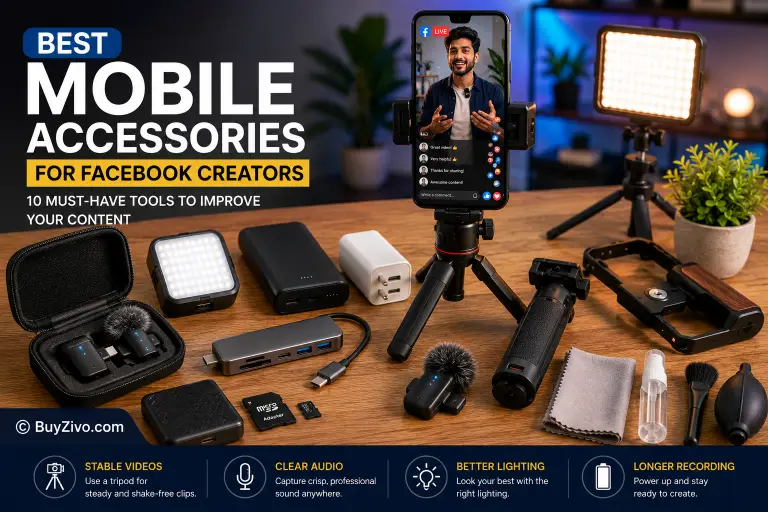
Before diving into our recommendations, here’s a quick overview of the core categories:
| Accessory | Why It Matters |
|---|---|
| Tripod | Stable, shake-free videos |
| Wireless Microphone | Clear voice recording |
| LED Video Light | Better indoor lighting |
| Fast Charger | Less downtime |
| Power Bank | Longer recording sessions |
| Phone Grip | Comfortable handheld filming |
| microSD Card | More storage (supported devices only) |
| Portable SSD | Faster backup and editing |
| USB-C Hub | Connect storage and accessories |
| Cleaning Kit | Keeps camera lenses clear |
1. Wireless Microphone
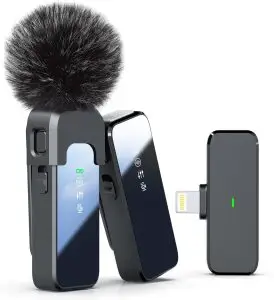
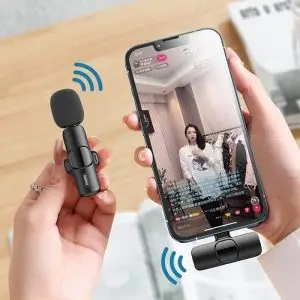
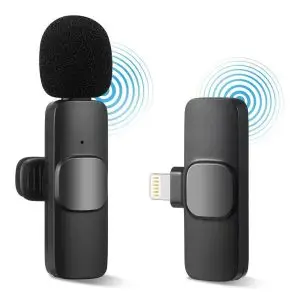
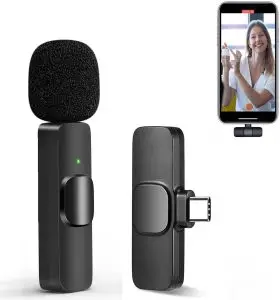
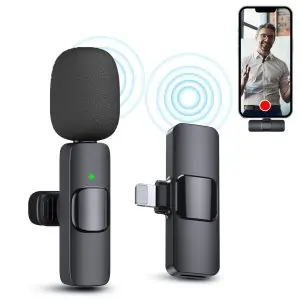
If viewers tolerate slightly imperfect video, they are much less forgiving of poor audio. Clear speech is one of the biggest factors that keeps audiences engaged.
Wireless microphones help eliminate background noise and allow you to move naturally while recording Facebook Reels or hosting Facebook Live sessions.
Benefits
- Cleaner voice recording
- Greater freedom of movement
- Better outdoor recording
- More professional interviews
- Improved live streaming audio
Best For
- Facebook Live
- Interview videos
- Tutorials
- Product reviews
- Vlogging
Buying Tips
Choose a microphone that:
- Matches your phone’s connector (USB-C or Lightning)
- Offers built-in noise reduction
- Provides sufficient wireless range for your recording style
- Includes a charging case if you record frequently
2. Smartphone Tripod
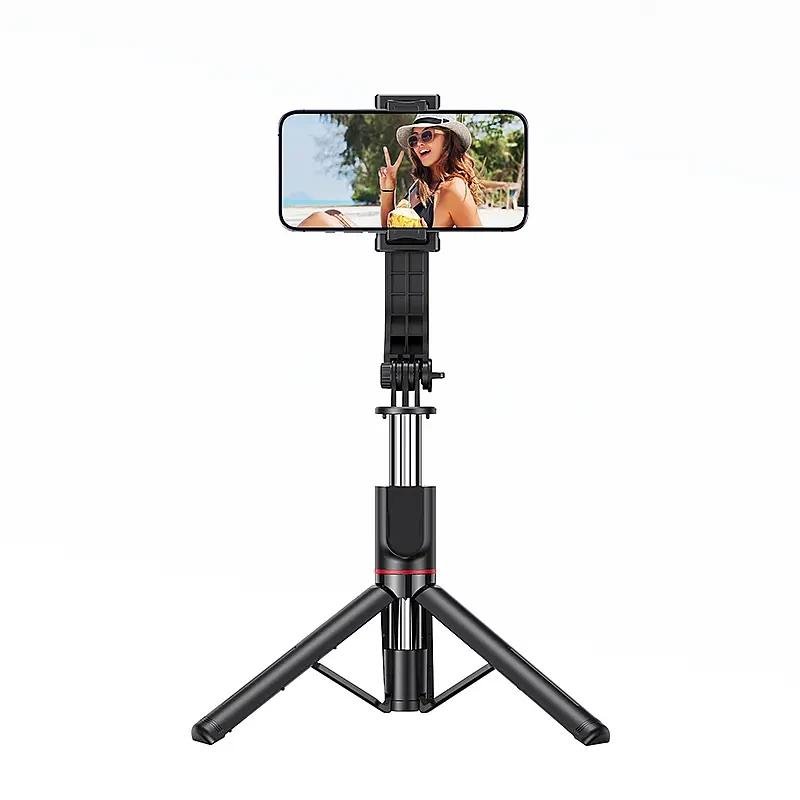
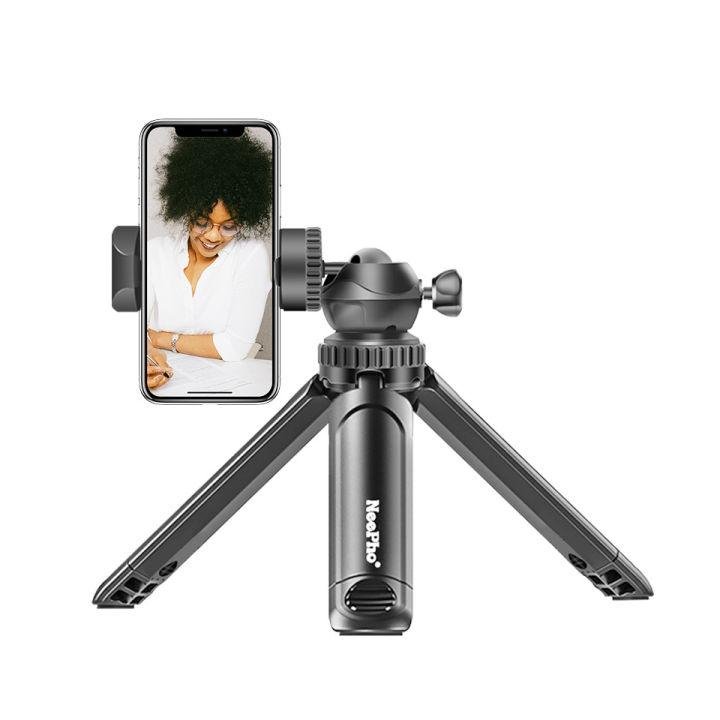
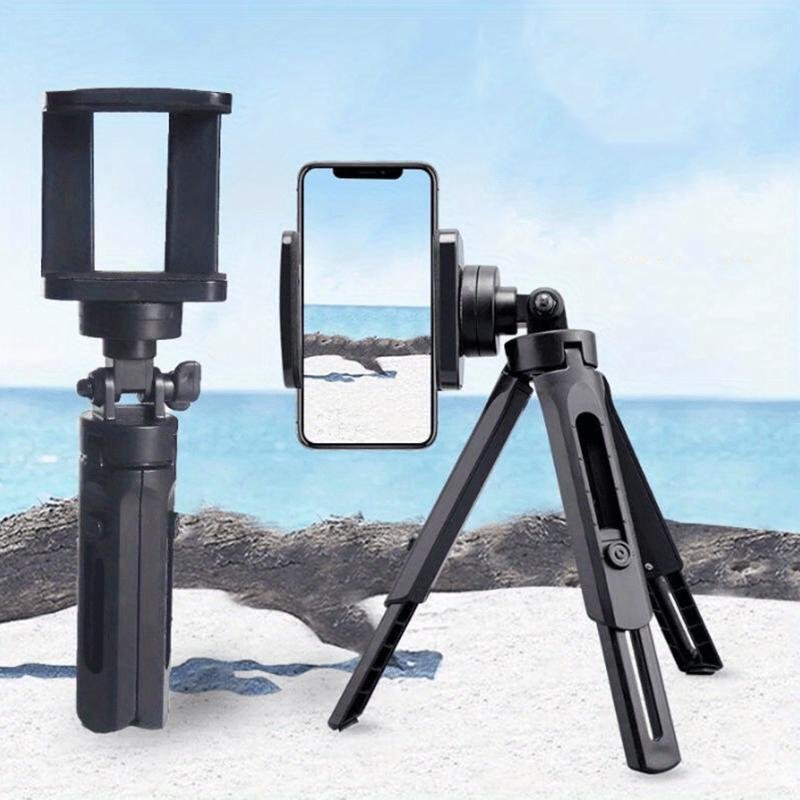
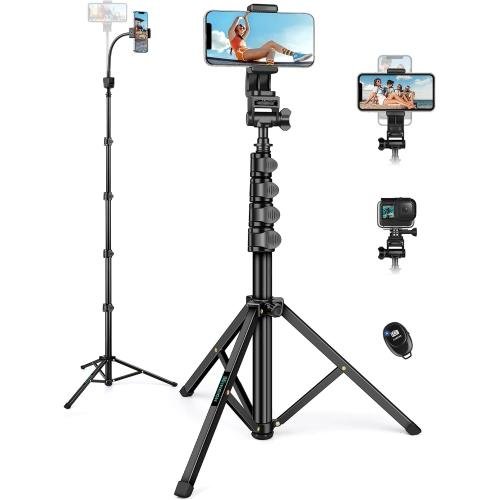
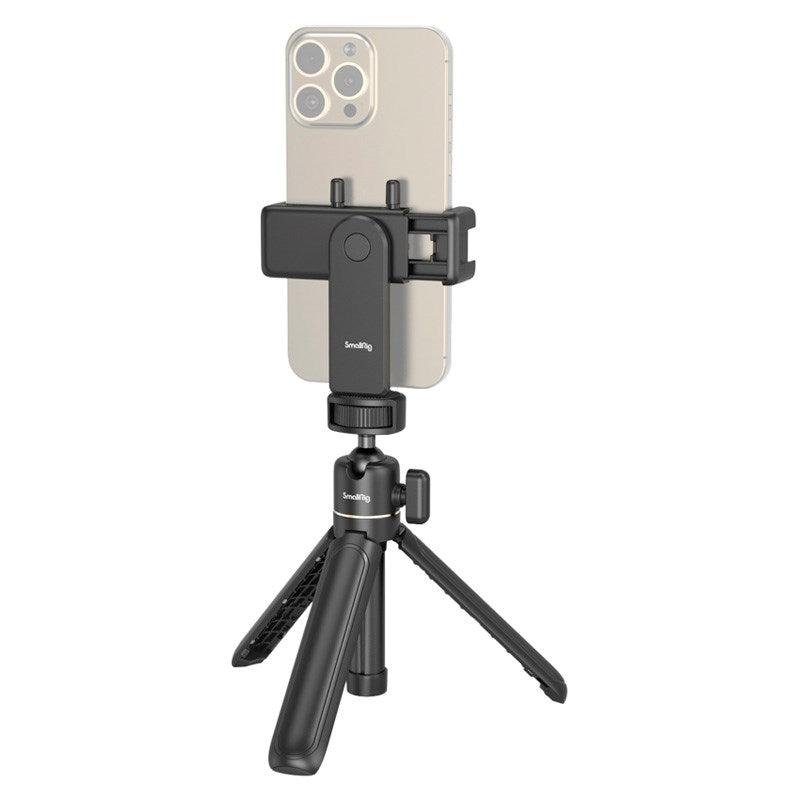
A tripod instantly improves video quality by eliminating shaky footage. Whether recording cooking tutorials, educational content, or product demonstrations, a stable camera creates a more polished result.
Modern smartphone tripods are lightweight, portable, and often include Bluetooth remote shutters.
Benefits
- Stable video
- Better framing
- Hands-free recording
- Easier live streaming
- Time-lapse support
Best For
- Facebook Reels
- Live streaming
- Product photography
- Tutorials
- Group videos
Buying Tips
Look for:
- Adjustable height
- Strong locking mechanism
- Wide phone compatibility
- Non-slip rubber feet
- Lightweight aluminum construction
3. Portable LED Video Light
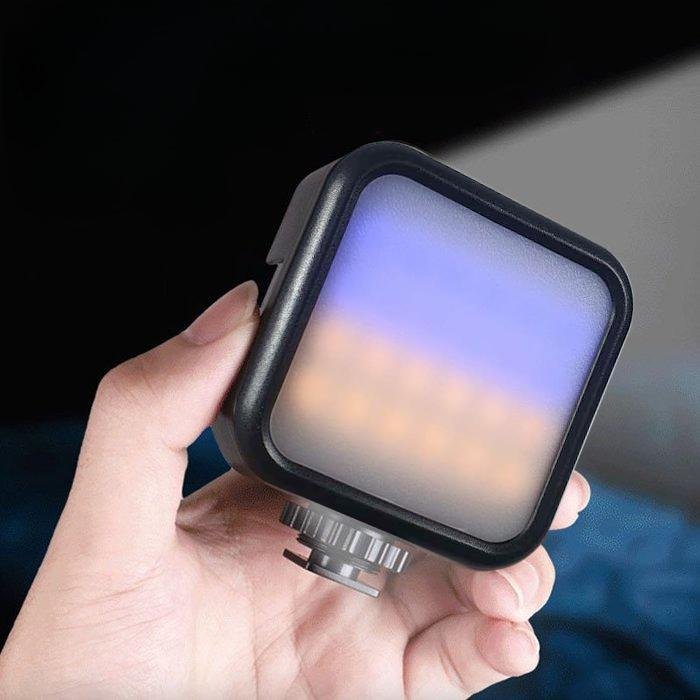
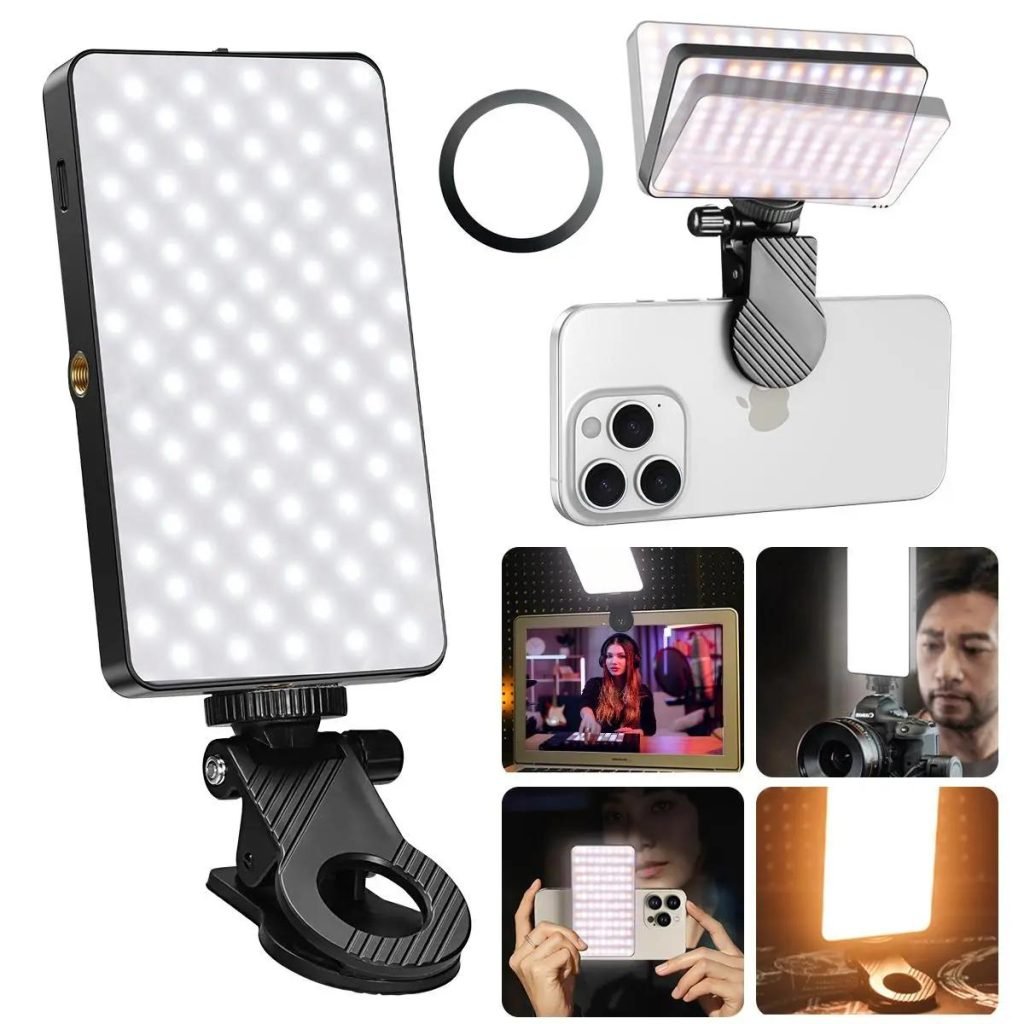
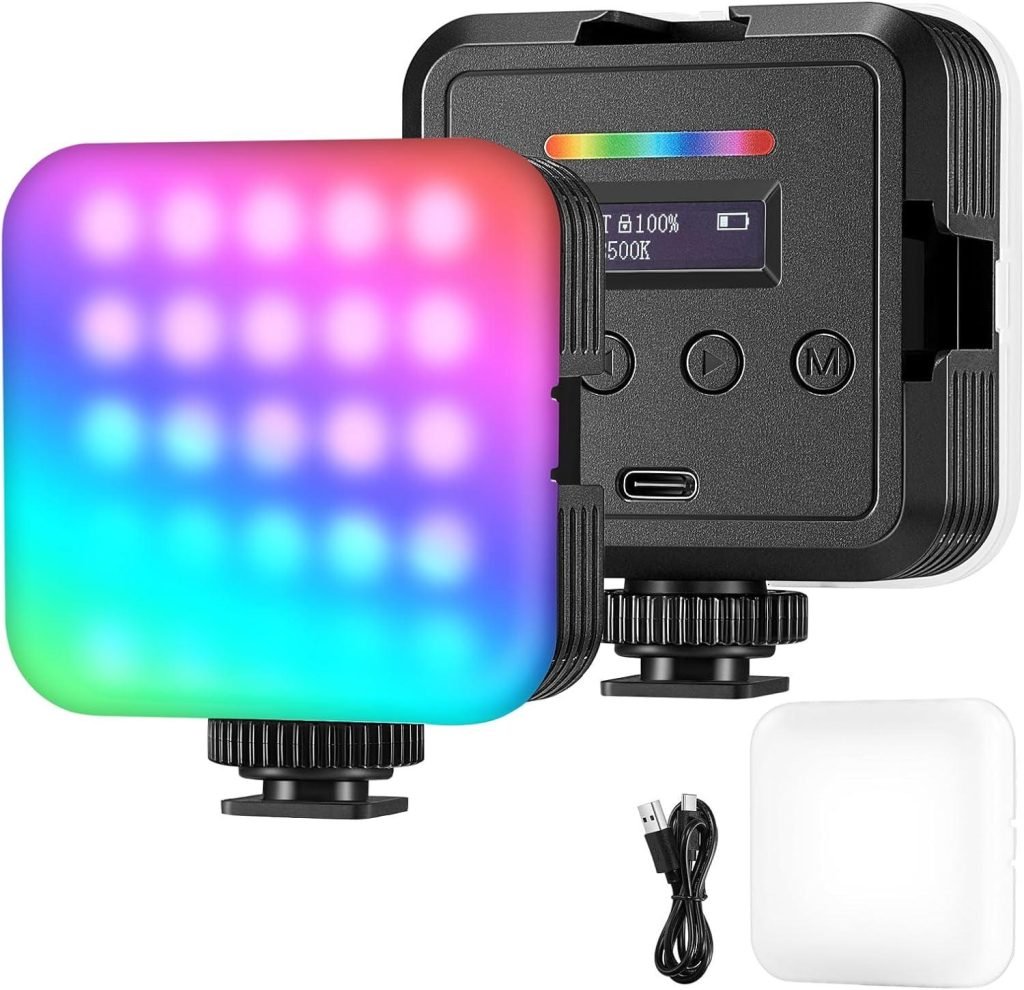
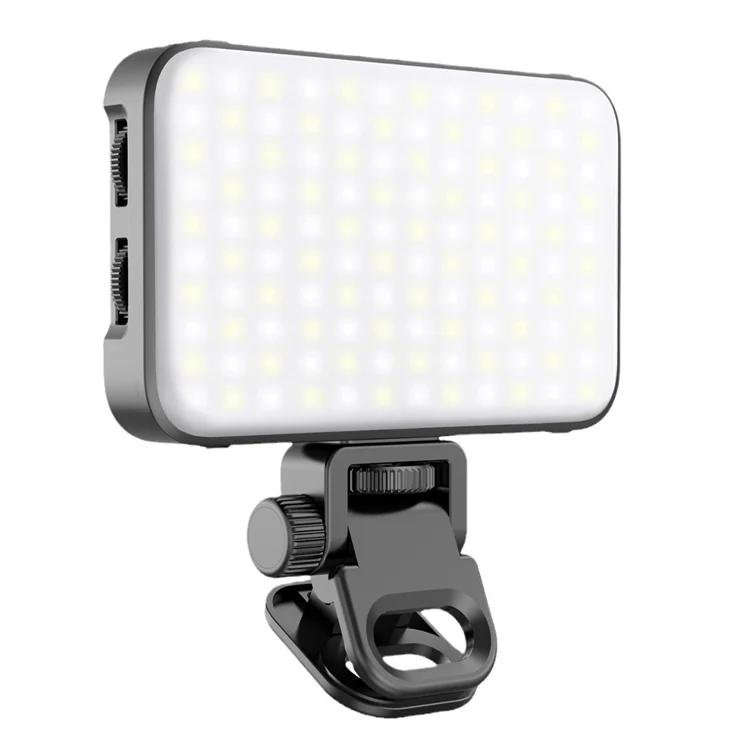
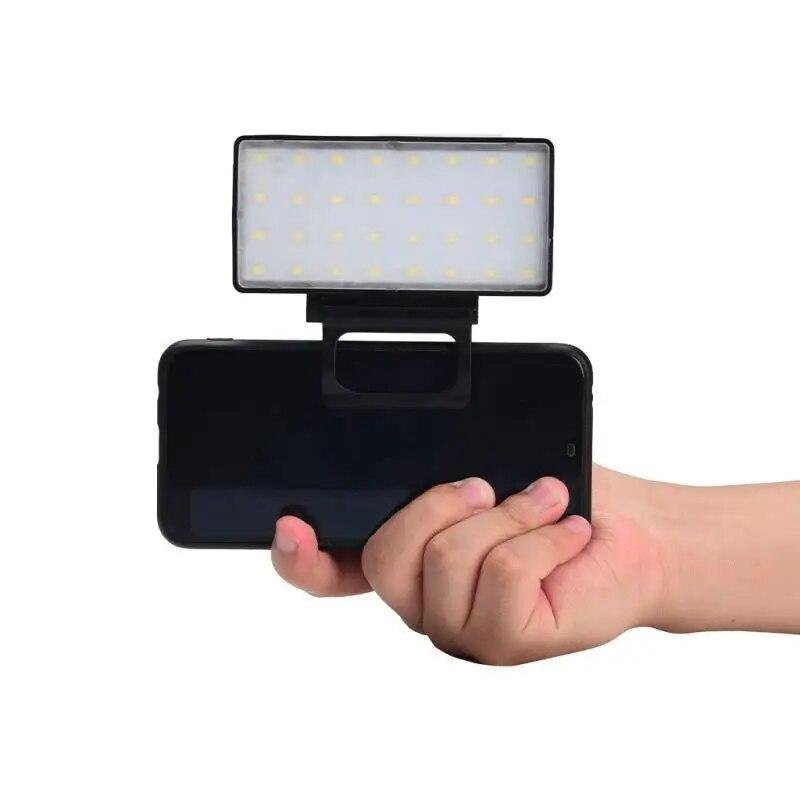
Lighting often makes a bigger difference than upgrading your smartphone camera. A small rechargeable LED light provides consistent illumination that reduces shadows and improves facial detail.
Many compact LED lights allow brightness and color temperature adjustments, making them suitable for different environments.
Benefits
- Better indoor video quality
- More natural skin tones
- Reduced image noise
- Professional appearance
- Consistent lighting
Best For
- Indoor recording
- Facebook Live
- Product showcases
- Makeup videos
- Educational content
Buying Tips
Consider:
- Adjustable brightness
- Color temperature control
- Rechargeable battery
- USB-C charging
- Lightweight design
4. Fast USB-C Charger
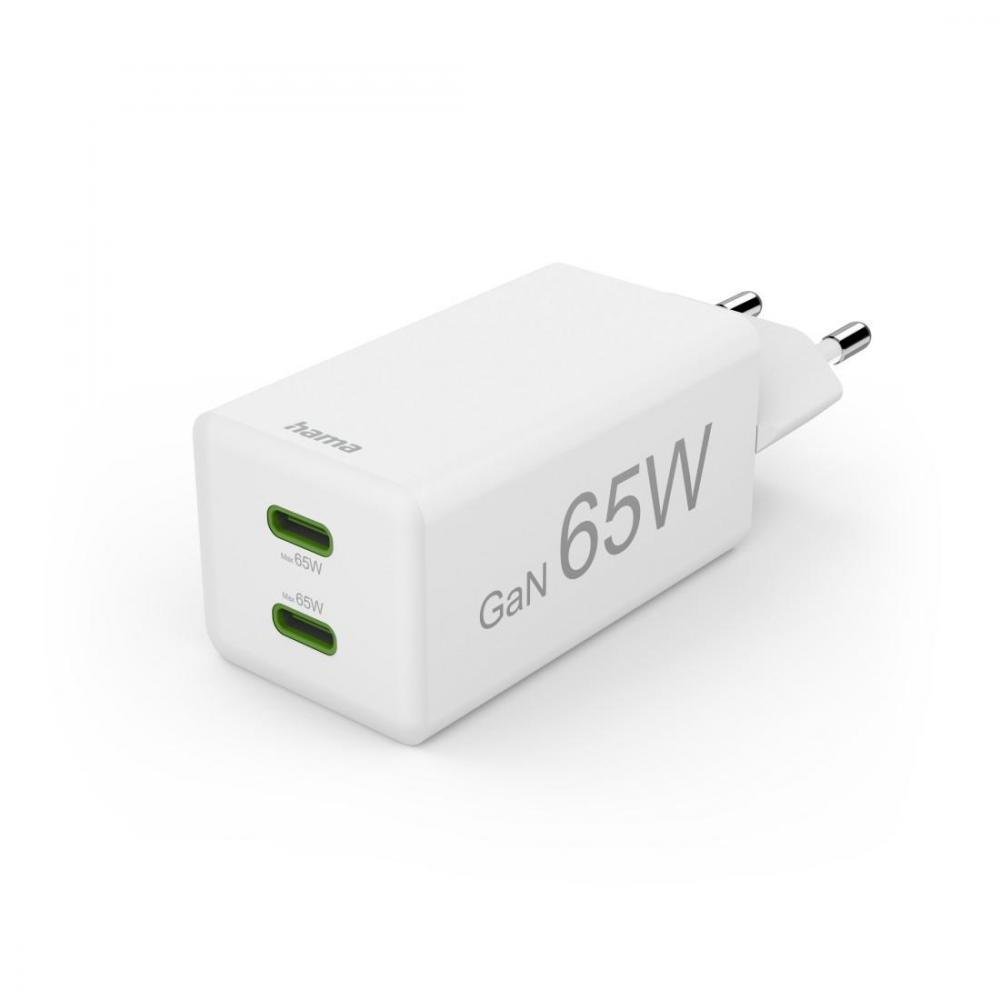
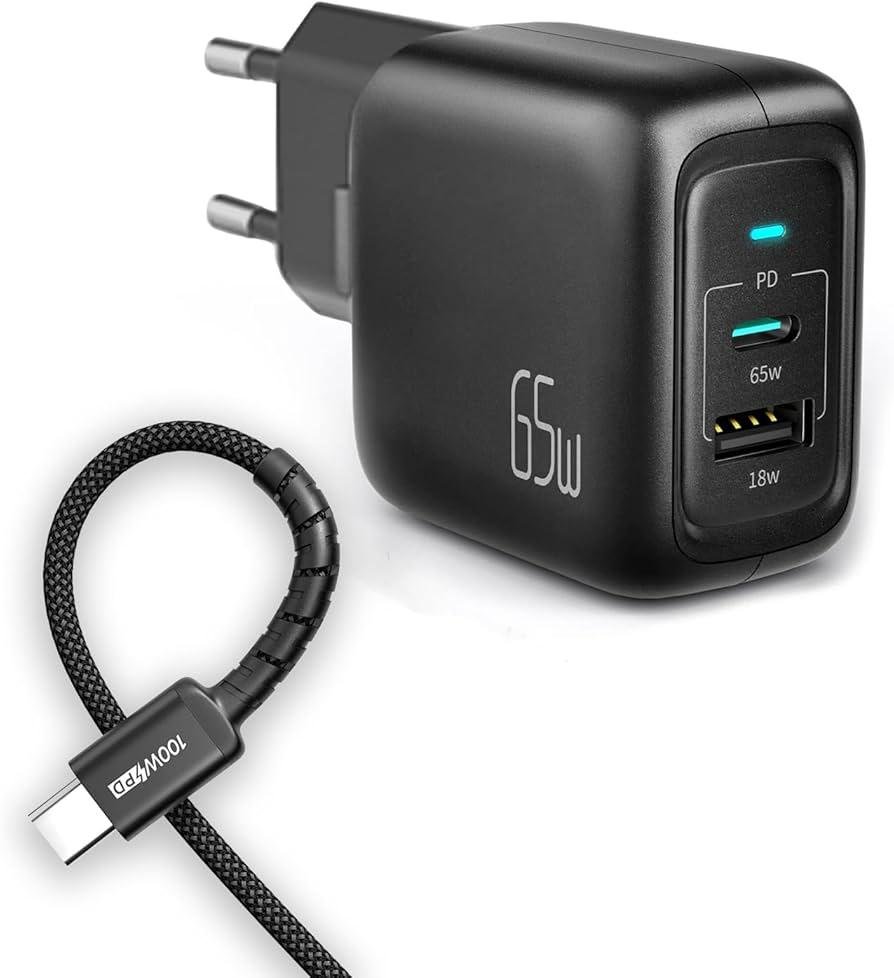
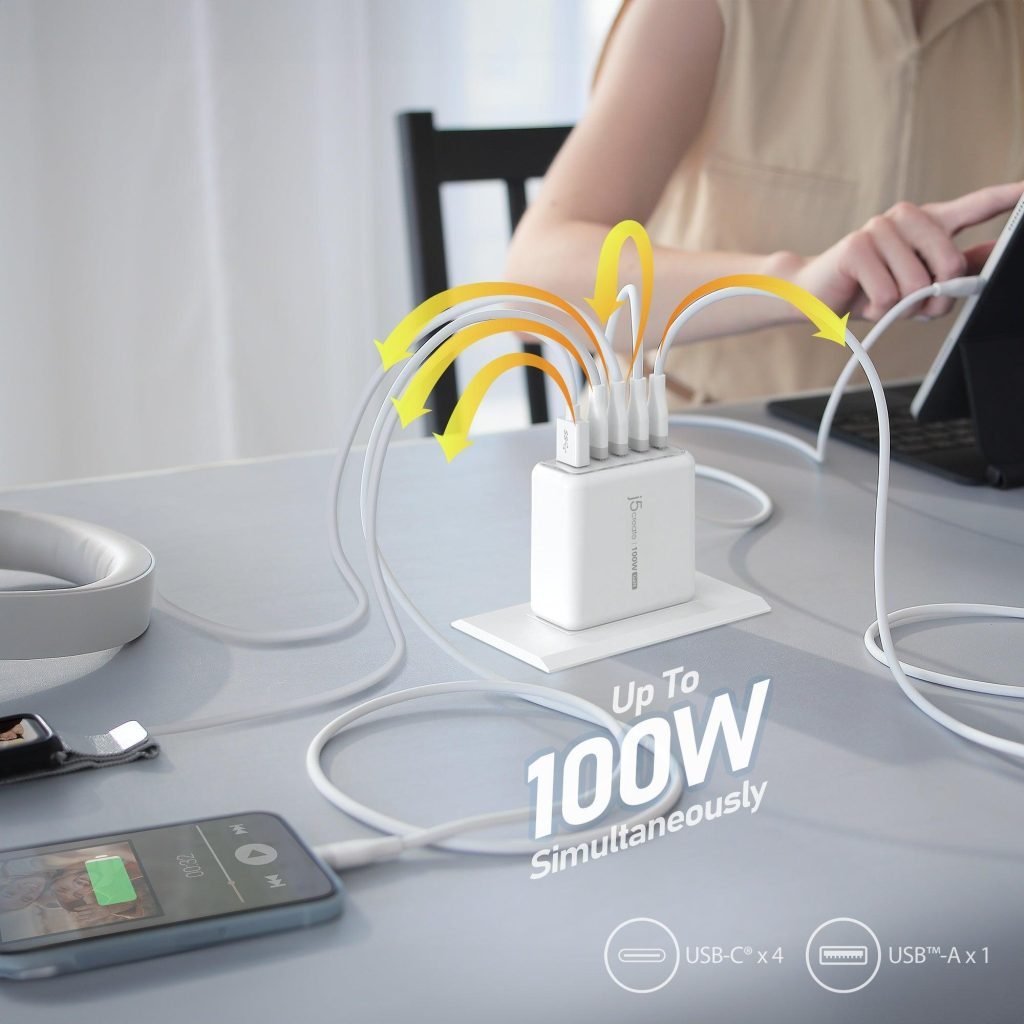
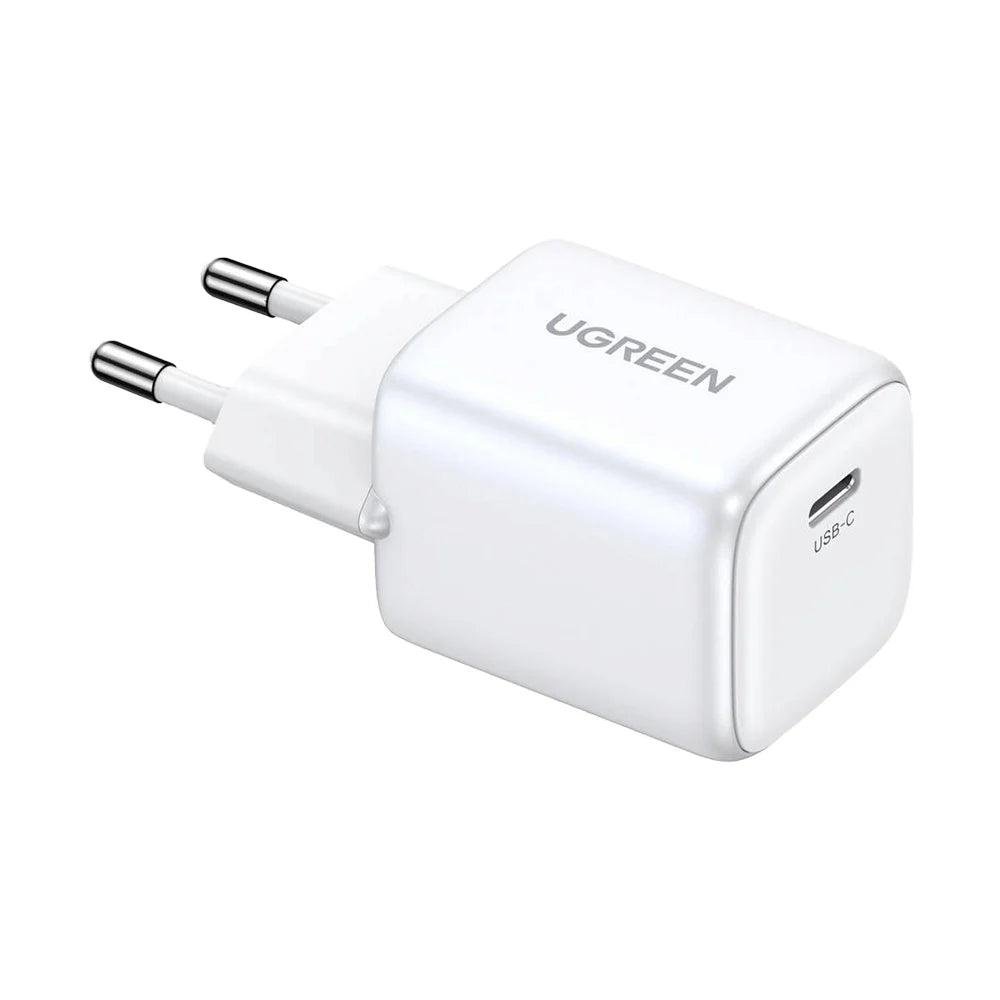
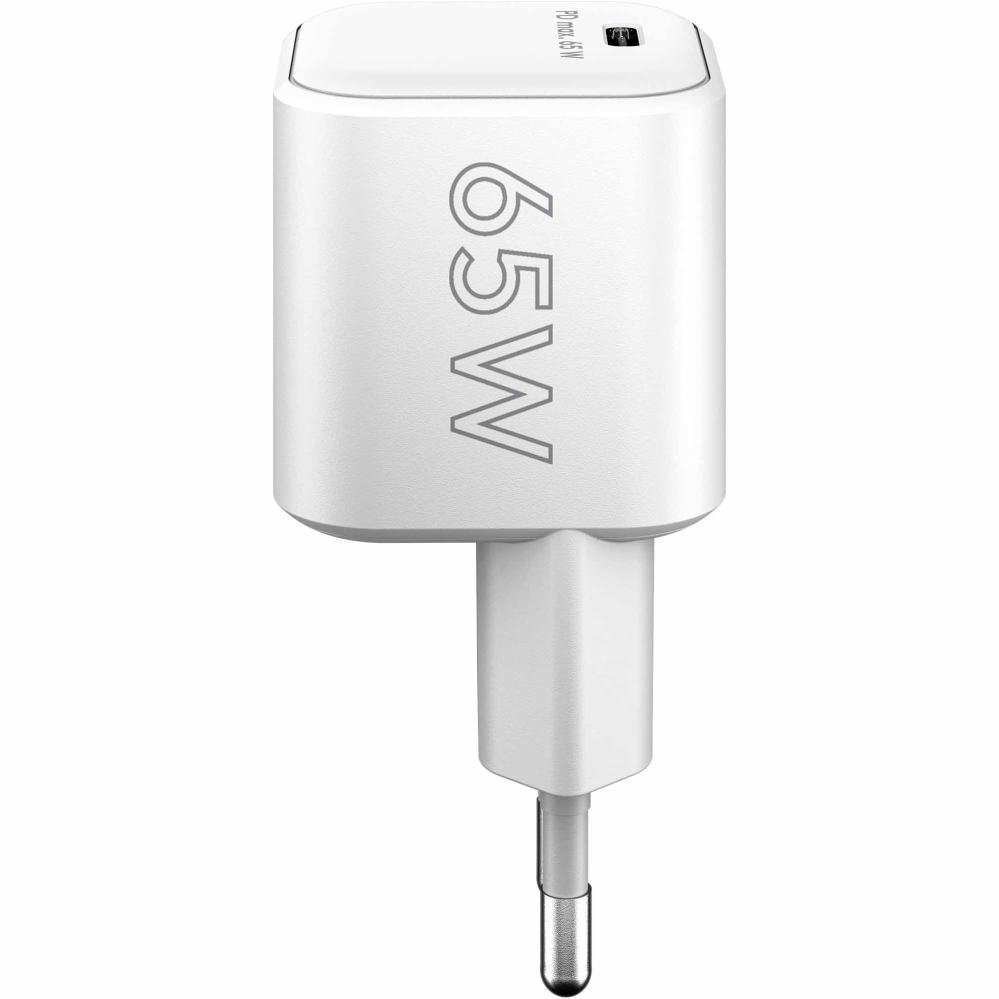
Recording, editing, and uploading videos can quickly drain your phone’s battery. A fast charger helps reduce downtime between shoots.
If you use multiple devices such as a phone, earbuds, tablet, or camera accessories, a multi-port GaN charger can simplify your charging setup.
Benefits
- Faster charging
- Reduced waiting time
- Smaller travel-friendly size
- Charge multiple devices
- Better efficiency with GaN technology
Best For
- Daily creators
- Travelers
- Mobile editors
- Remote workers
Buying Tips
Choose a charger that:
- Supports USB Power Delivery (USB PD)
- Matches your phone’s maximum charging capability
- Includes adequate safety protections
- Has enough ports for your devices
5. High-Capacity Power Bank
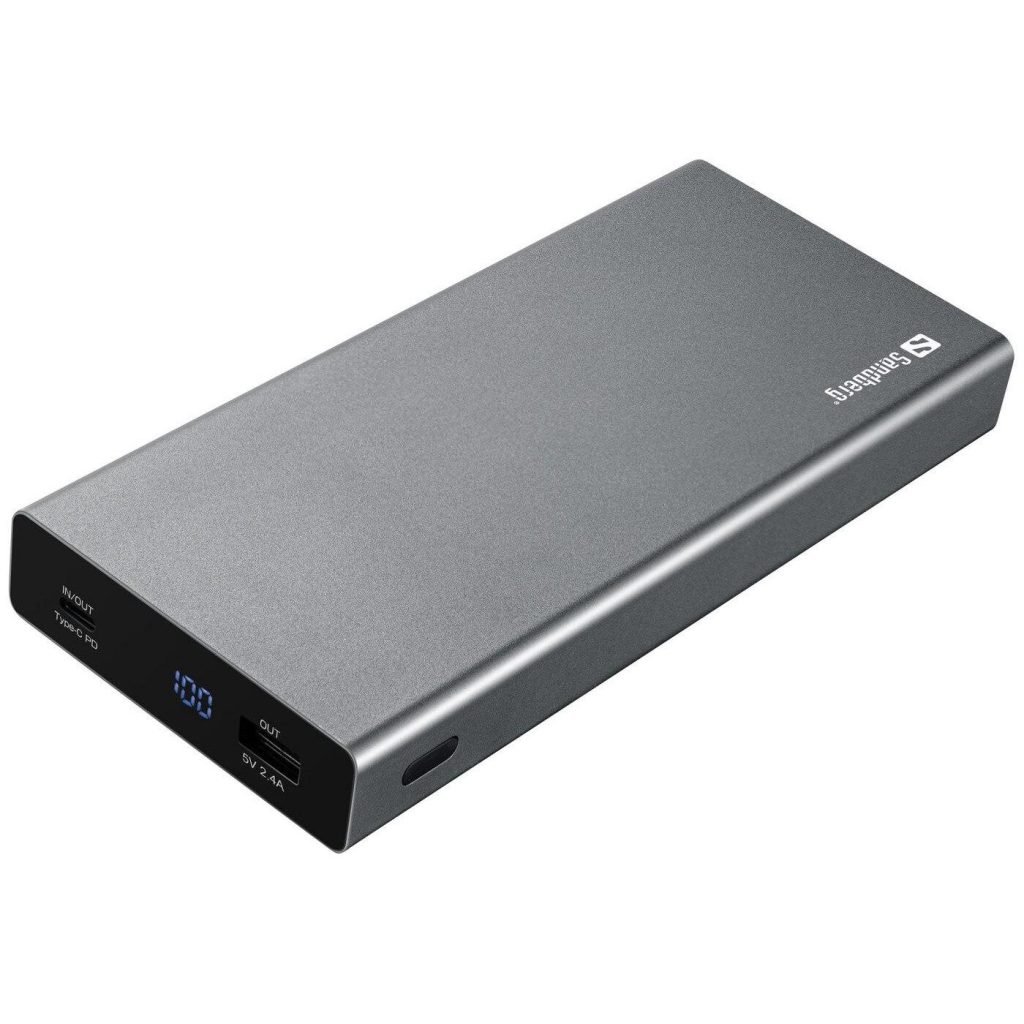
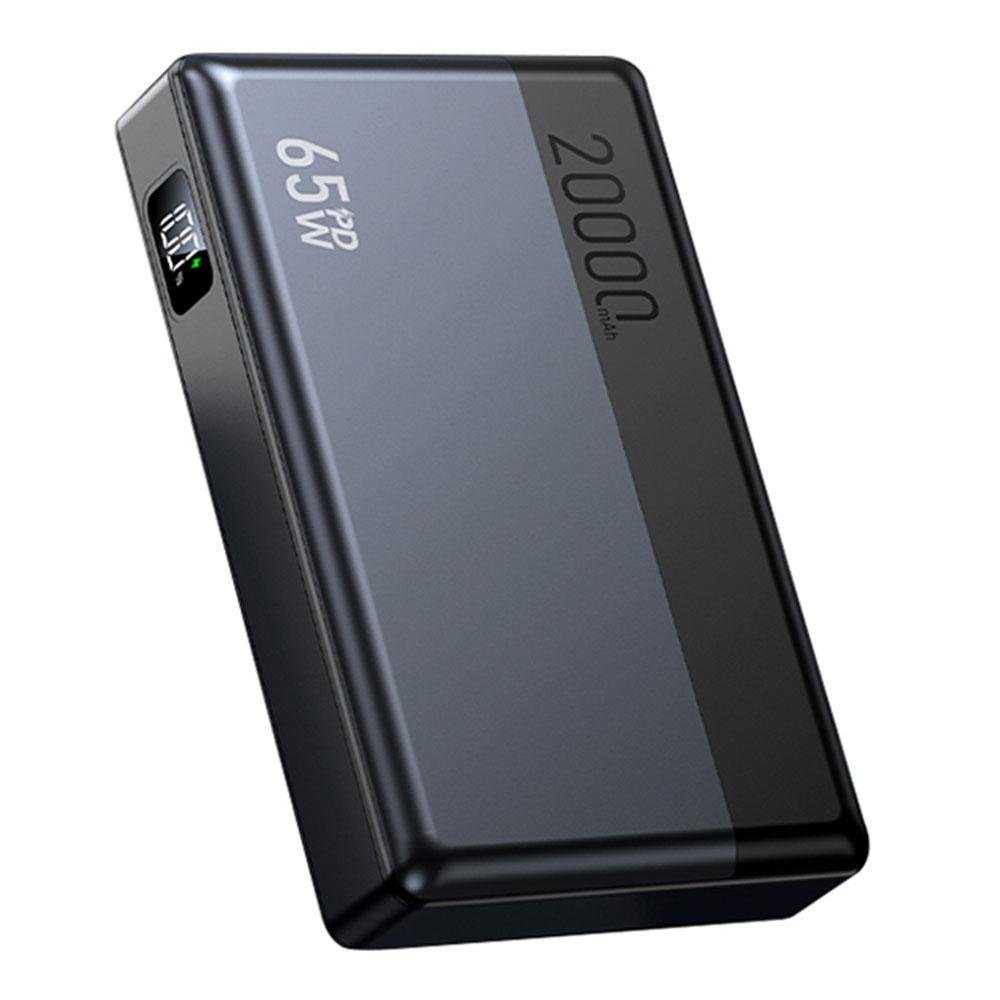
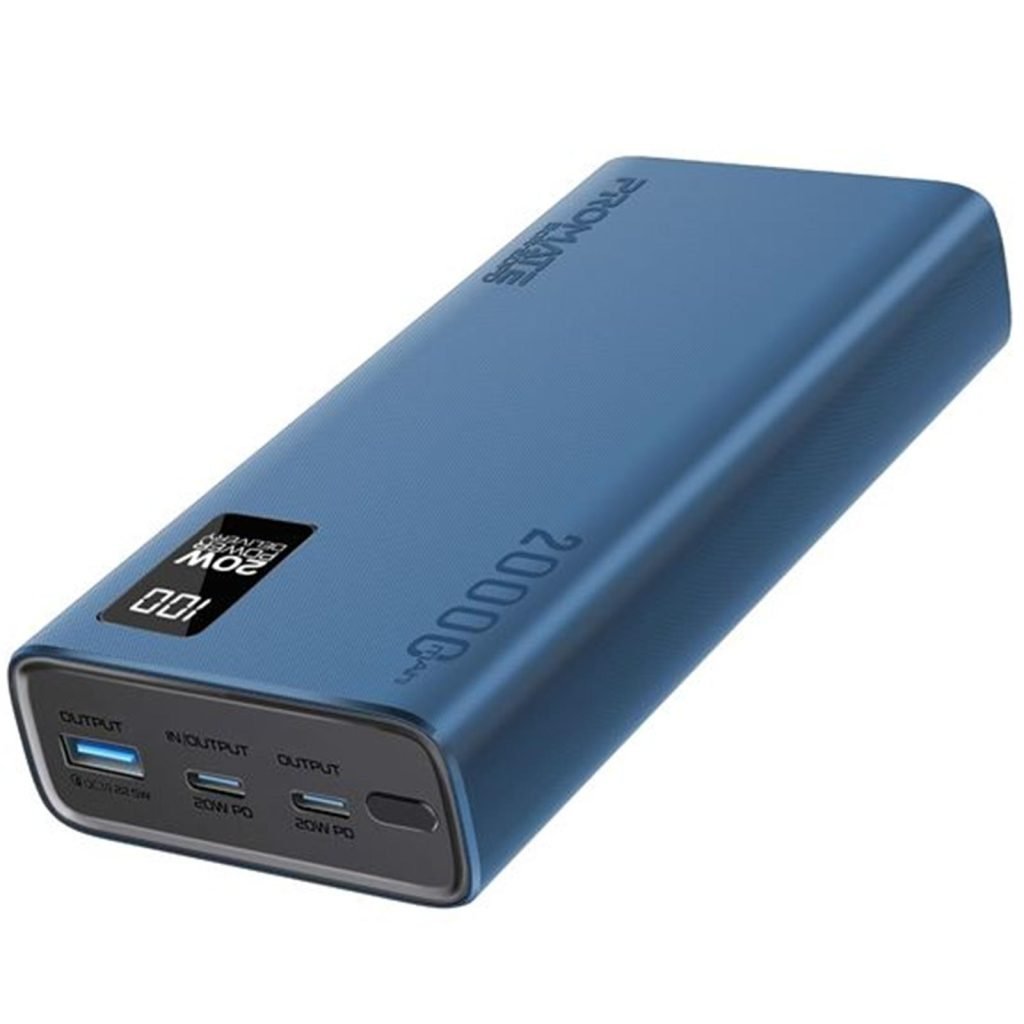
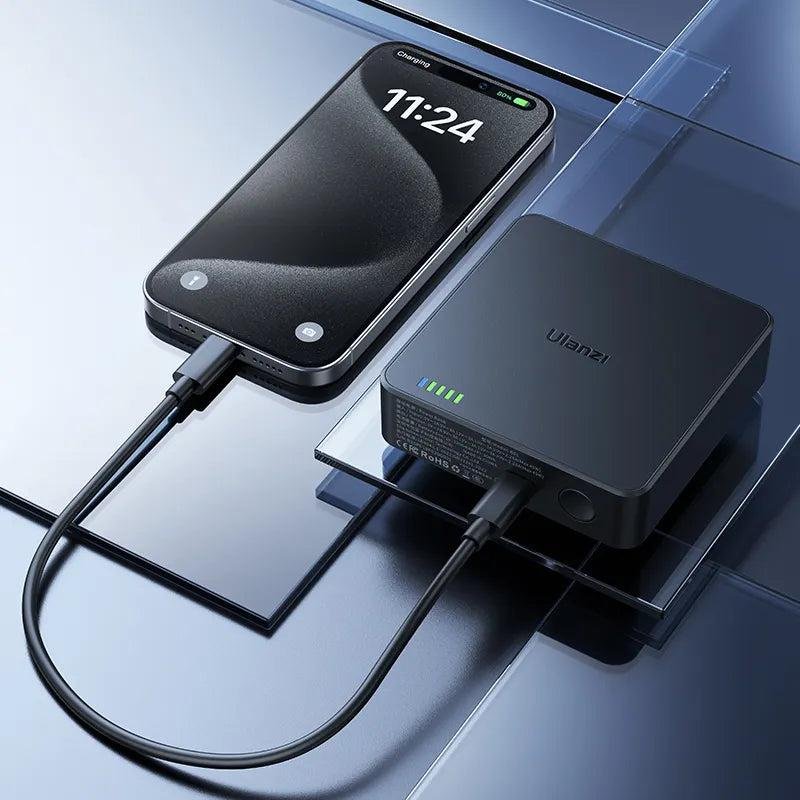
Long Facebook Live sessions and outdoor shoots can easily exhaust your phone battery. A reliable power bank keeps your equipment running when wall power is unavailable.
Capacity, charging speed, and portability should all factor into your decision.
Benefits
- Longer recording sessions
- Emergency backup power
- Travel convenience
- Charge multiple devices
- Support for fast charging
Best For
- Outdoor filming
- Travel creators
- Event coverage
- Long live streams
Buying Tips
Look for:
- At least 10,000–20,000mAh capacity
- USB-C Power Delivery support
- Pass-through charging if you need it
- Clear battery level indicator
- Reputable safety certifications
6. Portable SSD
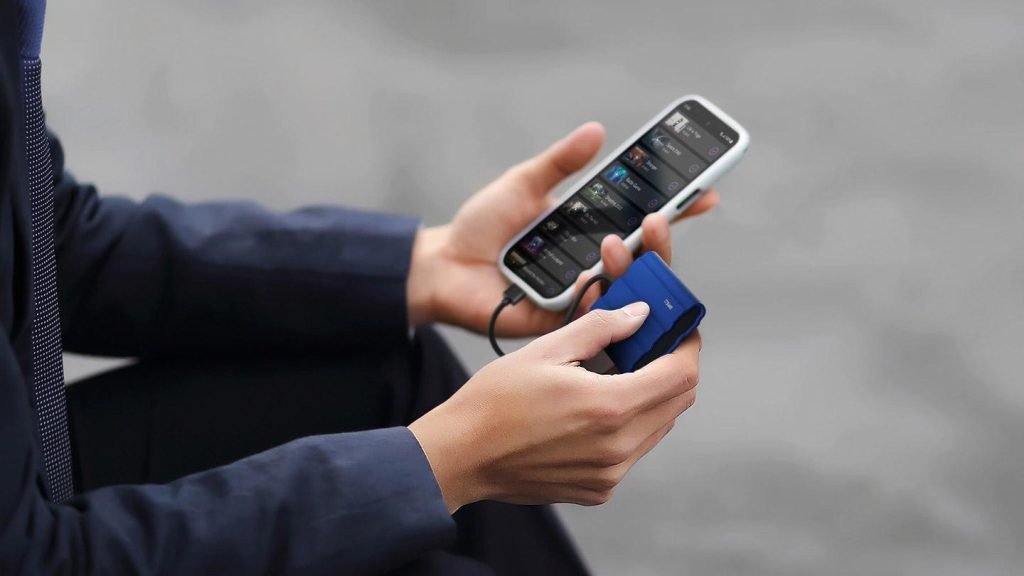
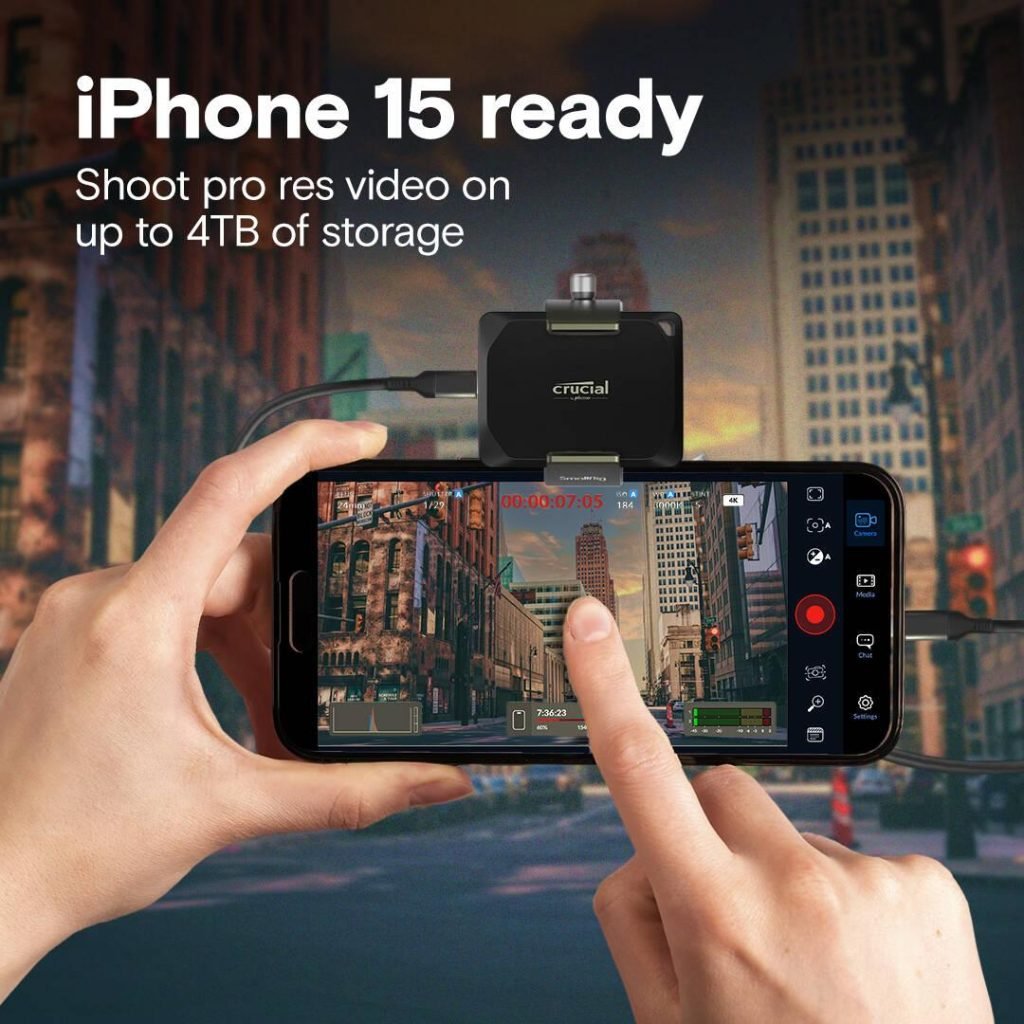
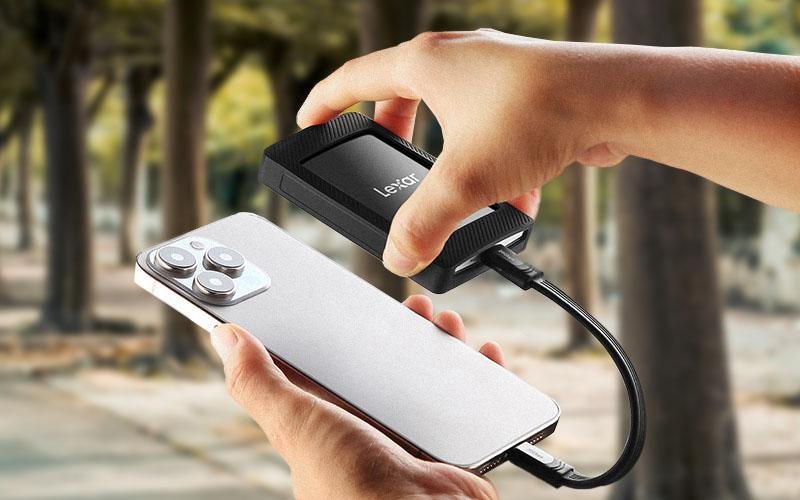
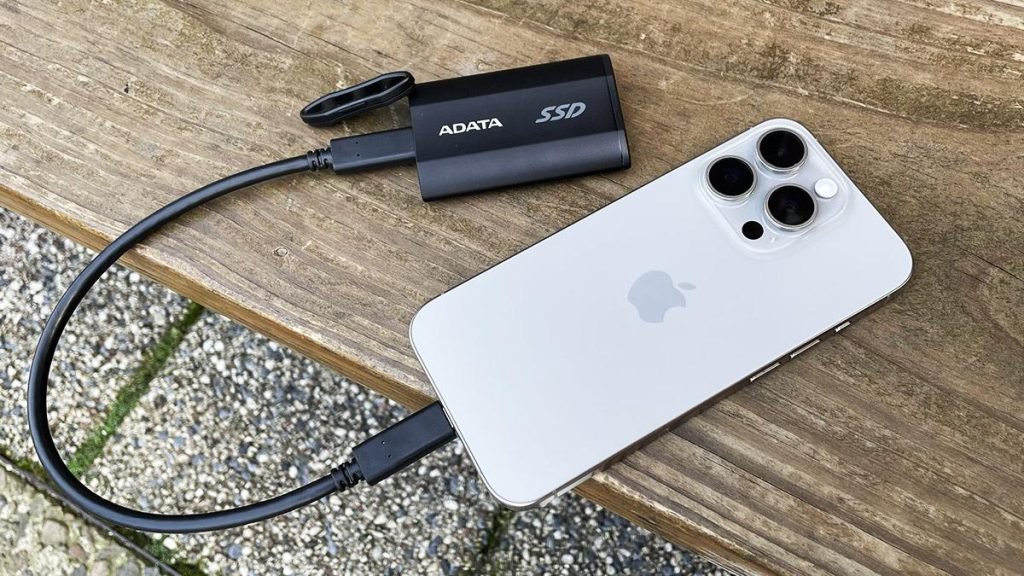
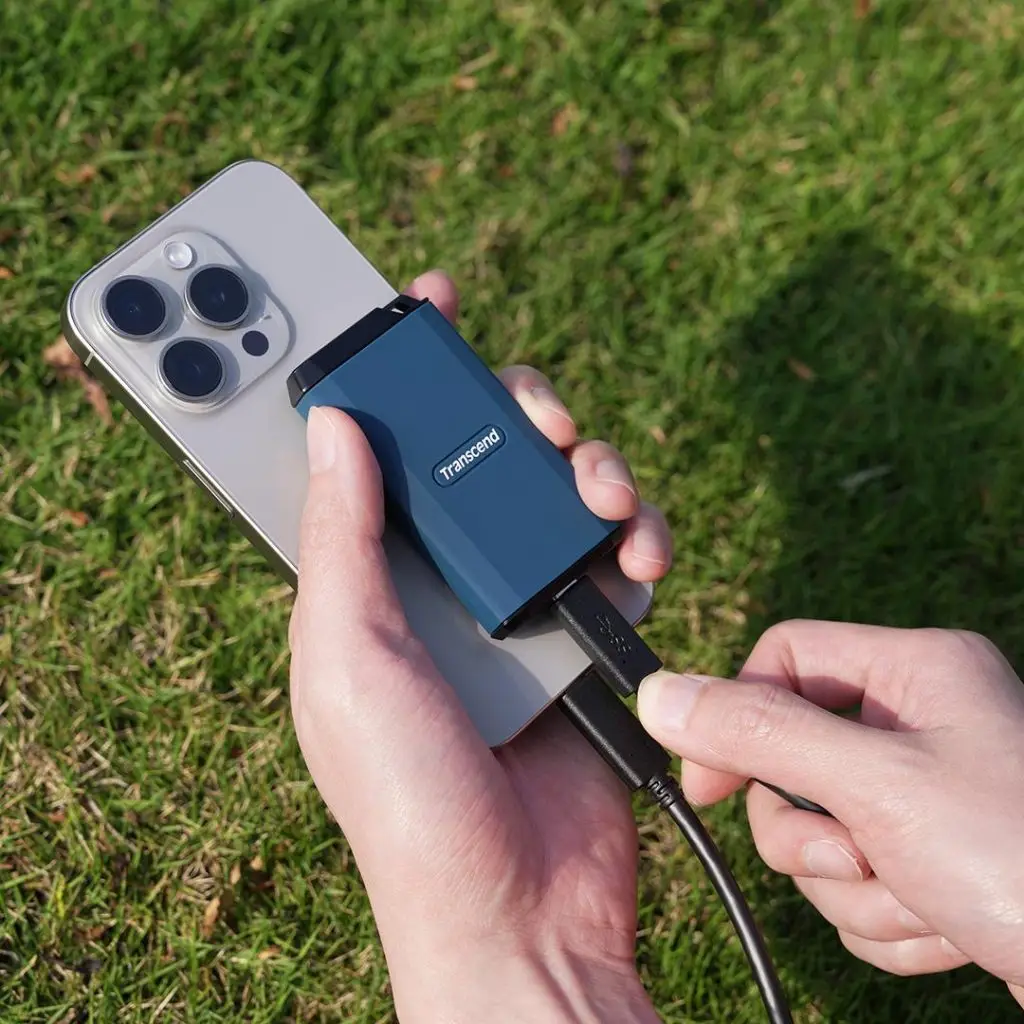
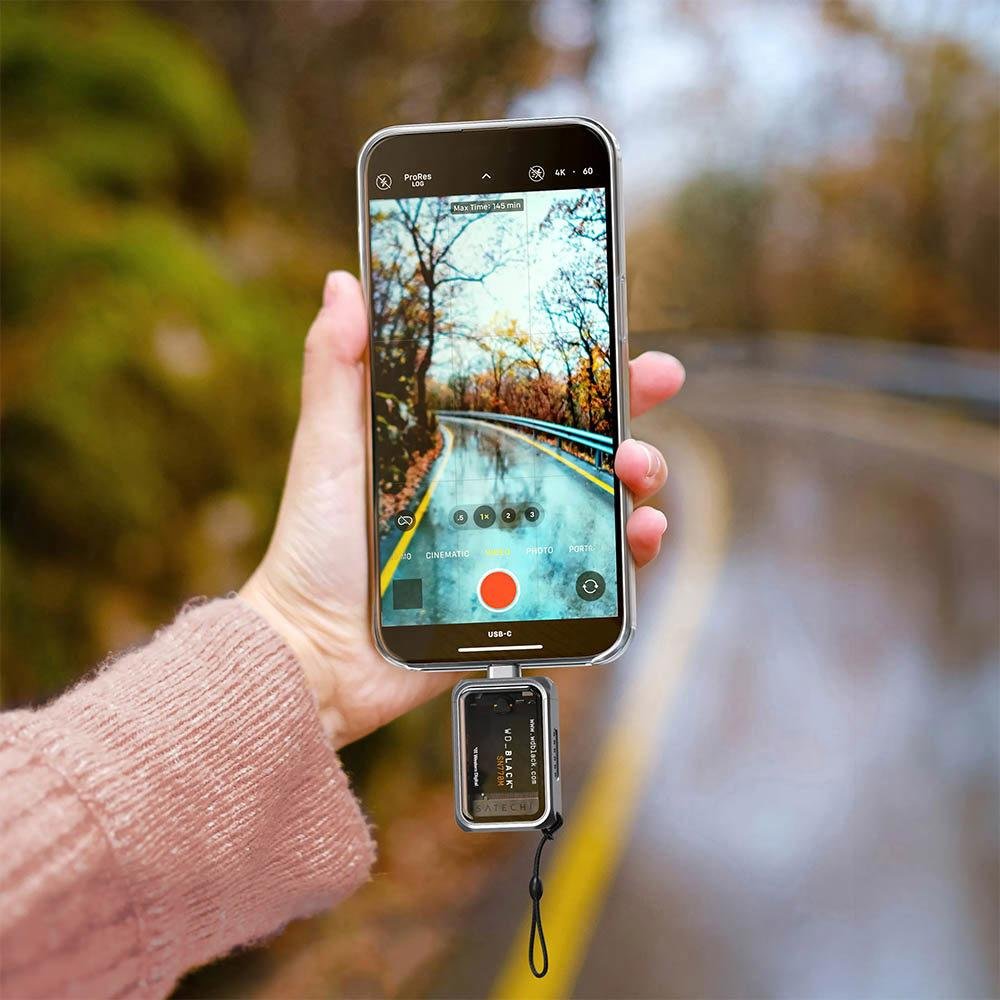
If you regularly record high-resolution videos or transfer footage between your phone and computer, a portable SSD can make your workflow much faster. Compared to traditional hard drives, SSDs offer quicker file transfers, better durability, and a compact design.
Some Android phones and newer iPhones with USB-C support can record directly to compatible external SSDs, depending on the device and recording app.
Benefits
- Fast file transfers
- Reliable backup storage
- Durable, shock-resistant design
- Lightweight and portable
- Speeds up editing workflow
Best For
- Professional Facebook creators
- 4K video recording
- Content backup
- Mobile video editing
Buying Tips
Choose an SSD that offers:
- USB-C connectivity
- Fast read and write speeds
- Reliable brand reputation
- At least 500GB of storage for frequent creators
- Rugged construction if you travel often
7. High-Speed microSD Card (For Supported Devices)
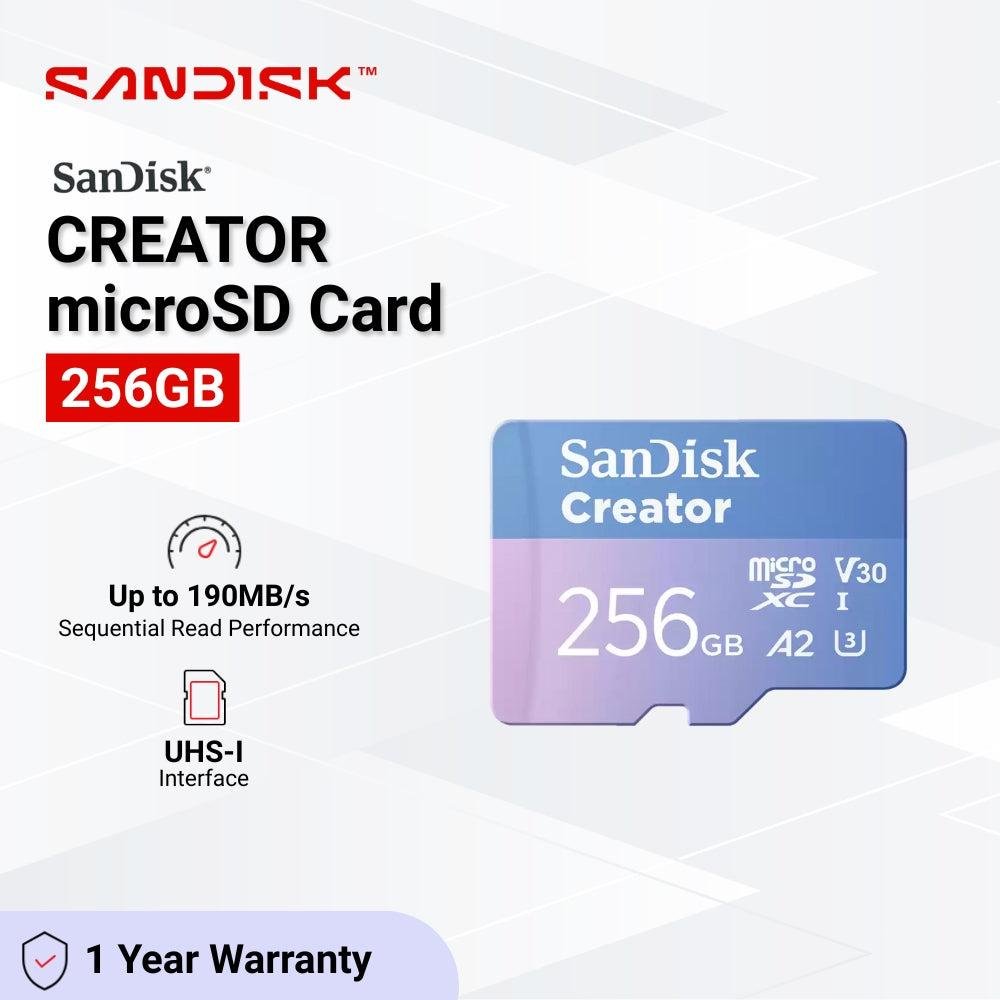
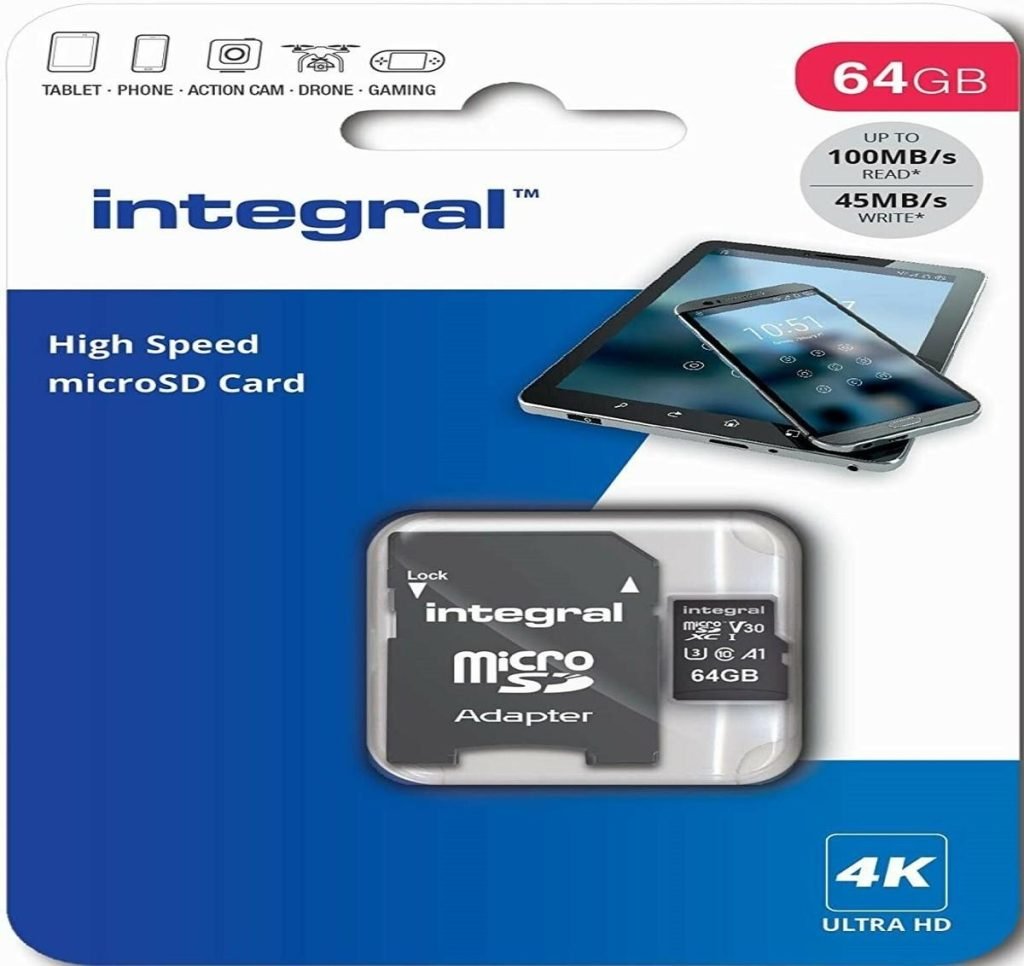
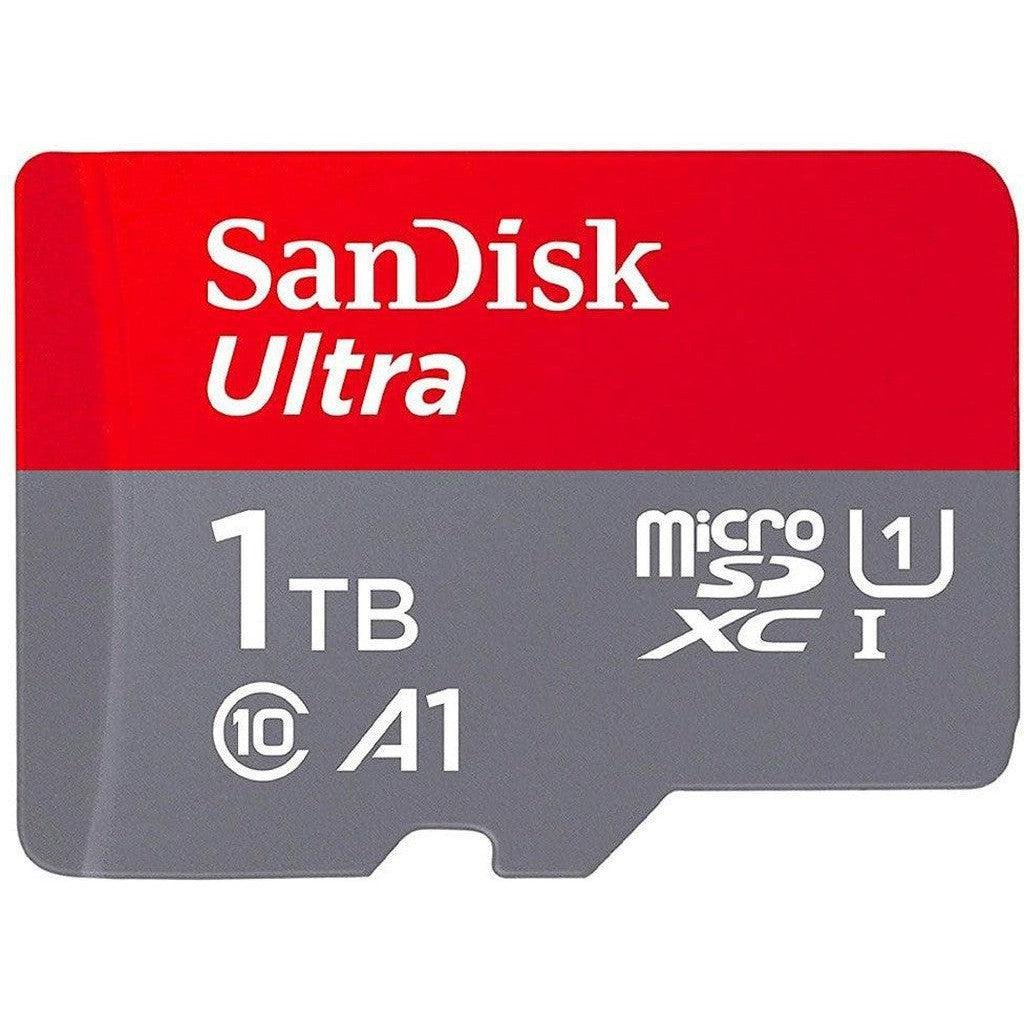
Many Android phones still include a microSD card slot, making expandable storage an affordable way to keep more videos and photos without filling internal memory. iPhones do not support microSD cards directly.
When choosing a card for video recording, prioritize sustained write performance rather than capacity alone.
Benefits
- Extra storage
- Faster media transfers
- Easy backup
- Cost-effective expansion
- Useful for recording large video files
Best For
- Android creators
- Travel vloggers
- Event coverage
- Long recording sessions
Buying Tips
Look for:
- U3 or V30 speed class (or higher for demanding workloads)
- Genuine products from trusted retailers
- Sufficient capacity based on your recording habits
- Water, temperature, and shock resistance
8. Smartphone Grip or Handheld Rig
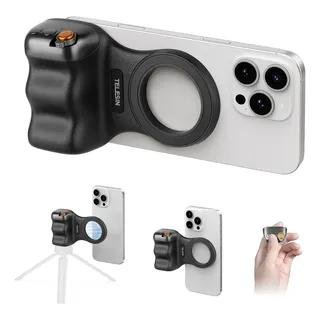
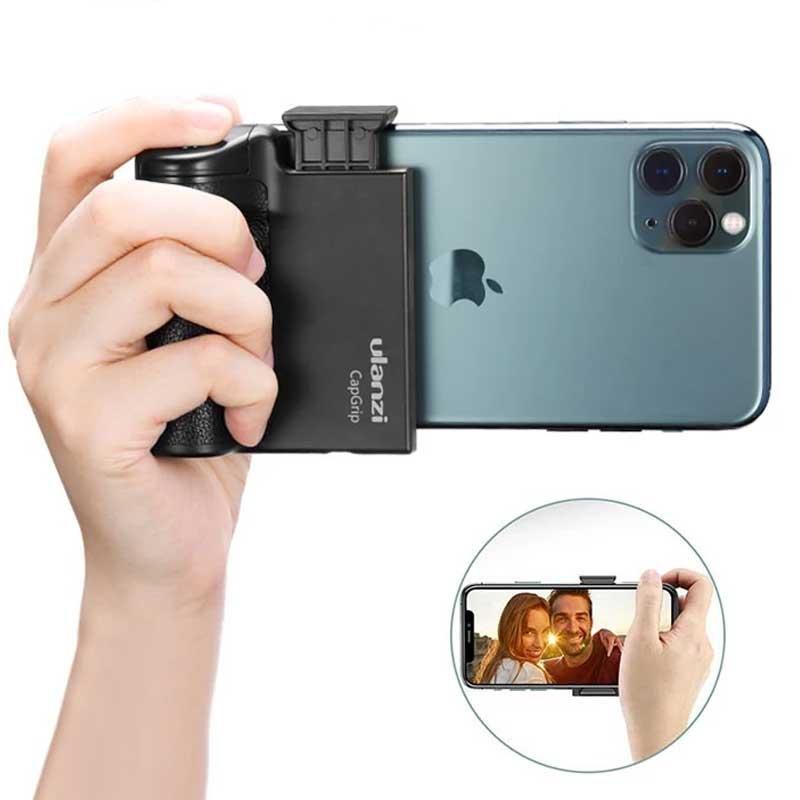
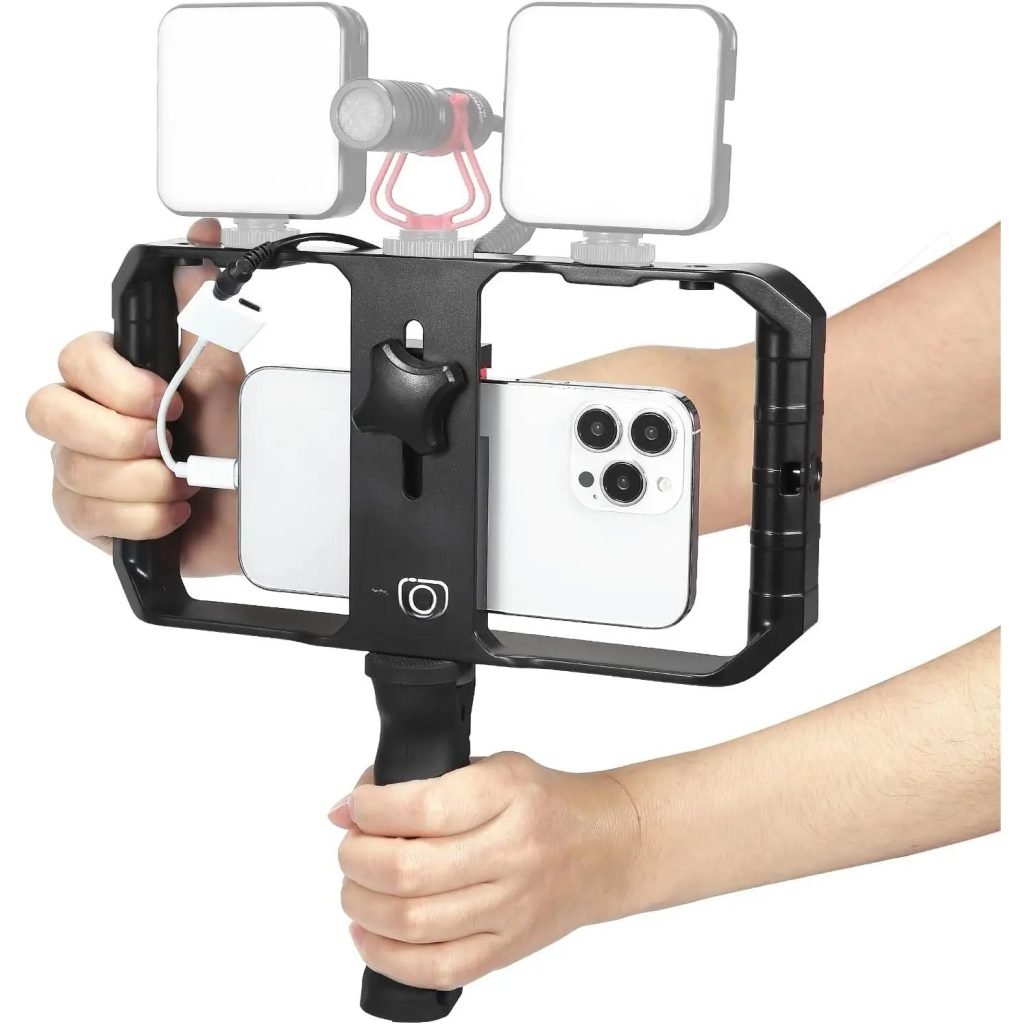
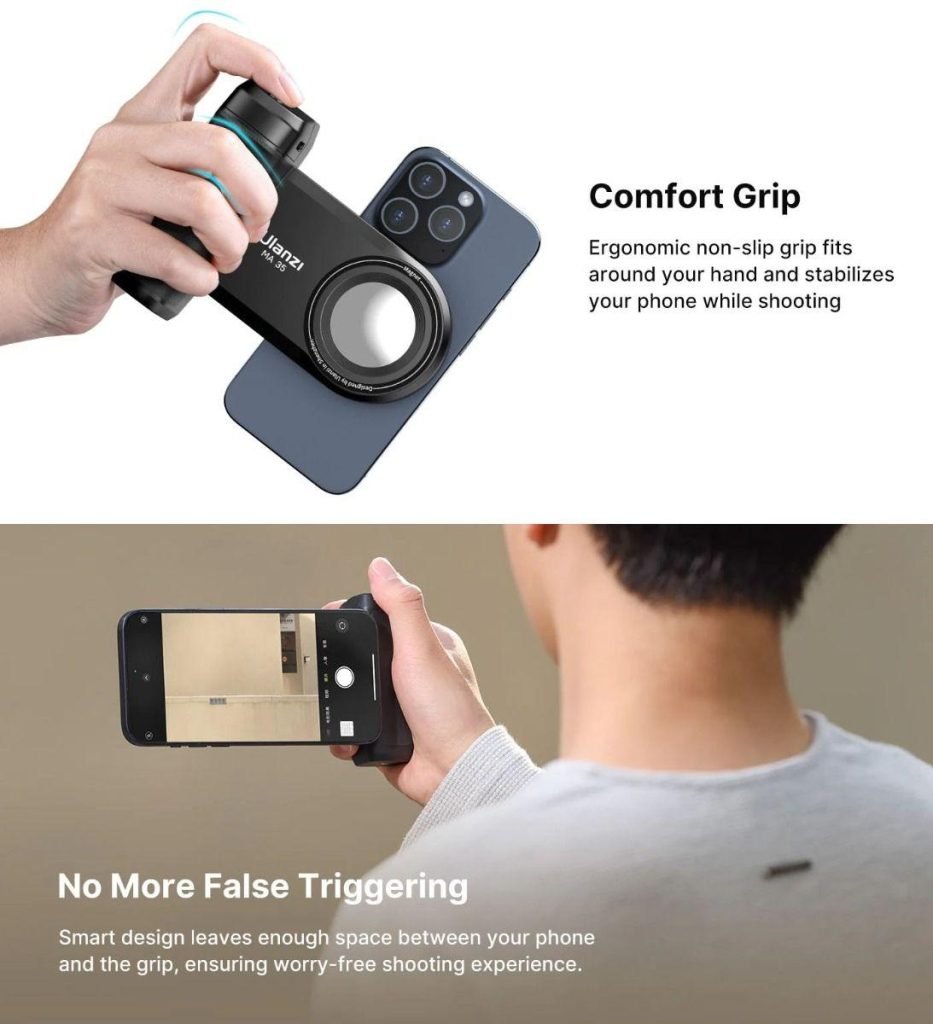
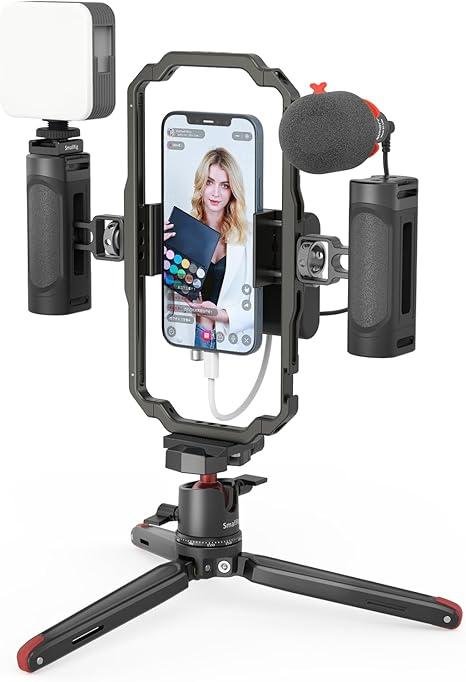
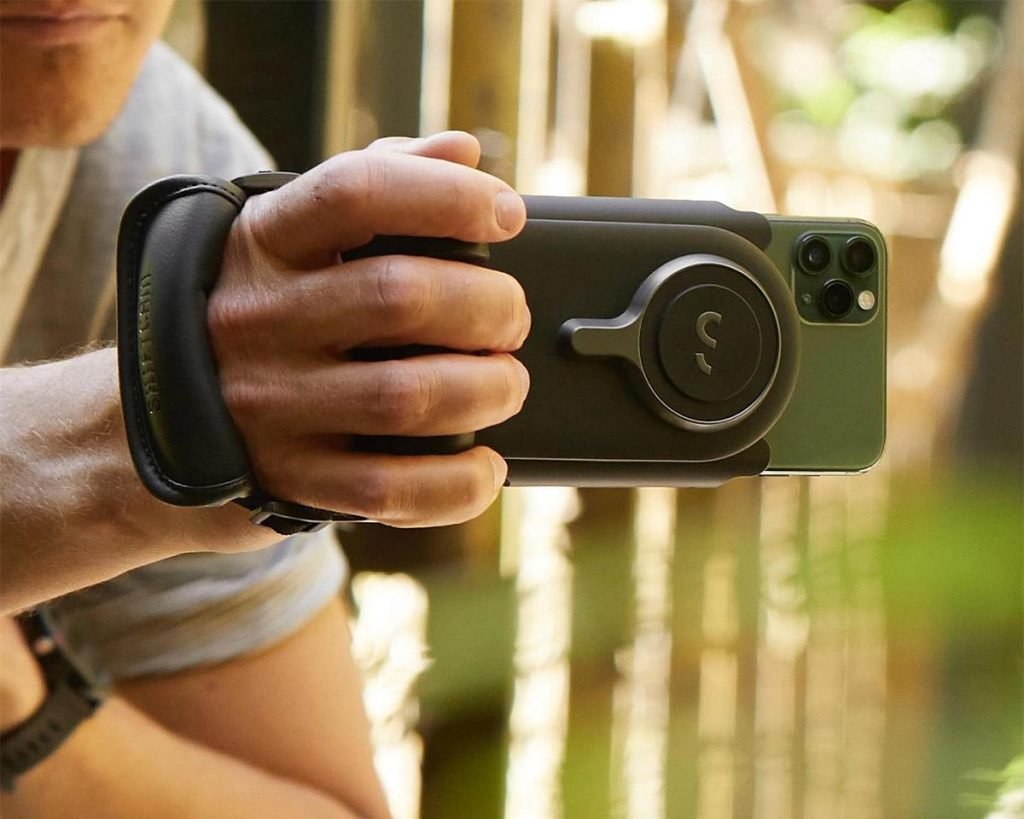
Holding a phone for long recording sessions can become uncomfortable and often results in shaky footage. A phone grip or mobile rig improves stability, ergonomics, and control while allowing you to attach accessories such as microphones or LED lights.
Benefits
- Better handheld stability
- Reduced hand fatigue
- Easier one-handed filming
- Mounting options for accessories
- More professional shooting experience
Best For
- Walking videos
- Vlogging
- Product demonstrations
- Event coverage
- Outdoor creators
Buying Tips
Choose one with:
- Secure phone mounting
- Comfortable grip
- Cold shoe mounts
- Lightweight construction
- Wide phone compatibility
9. USB-C Hub or Adapter
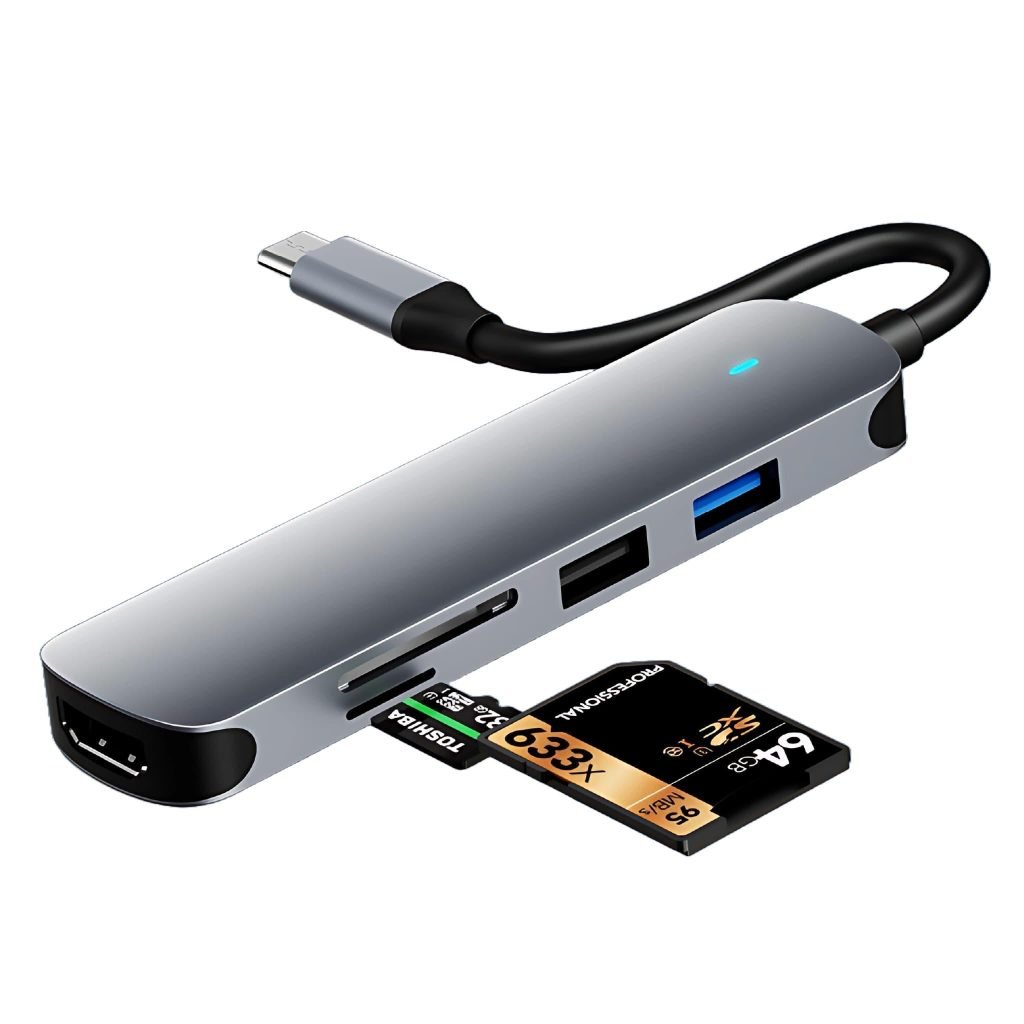
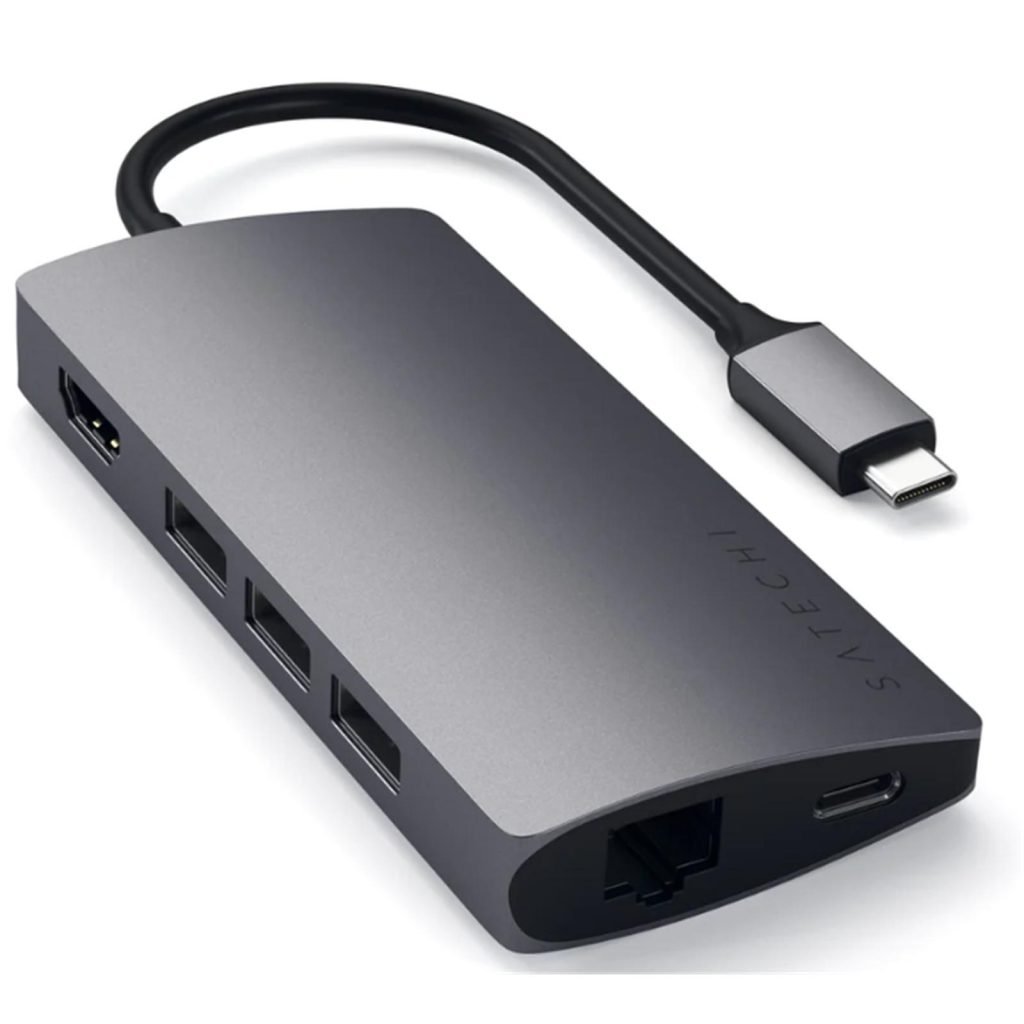
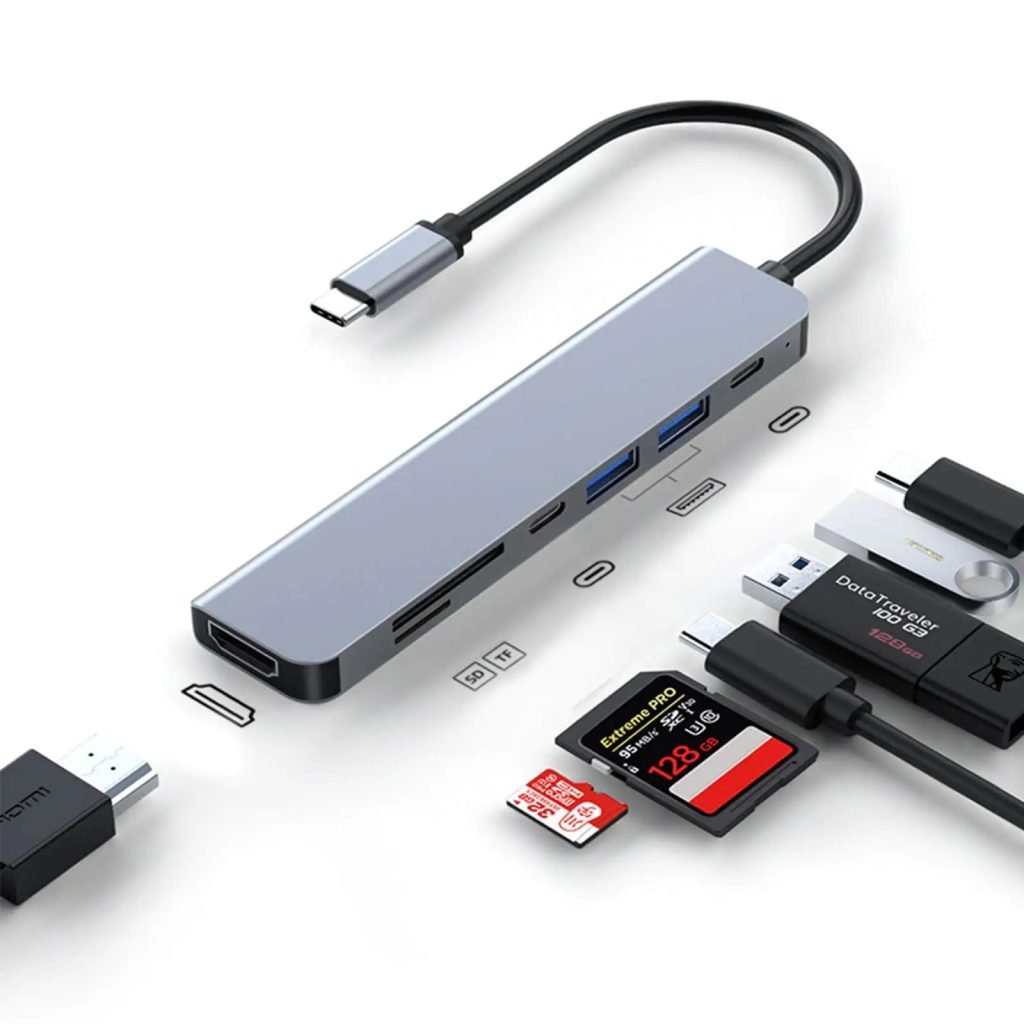
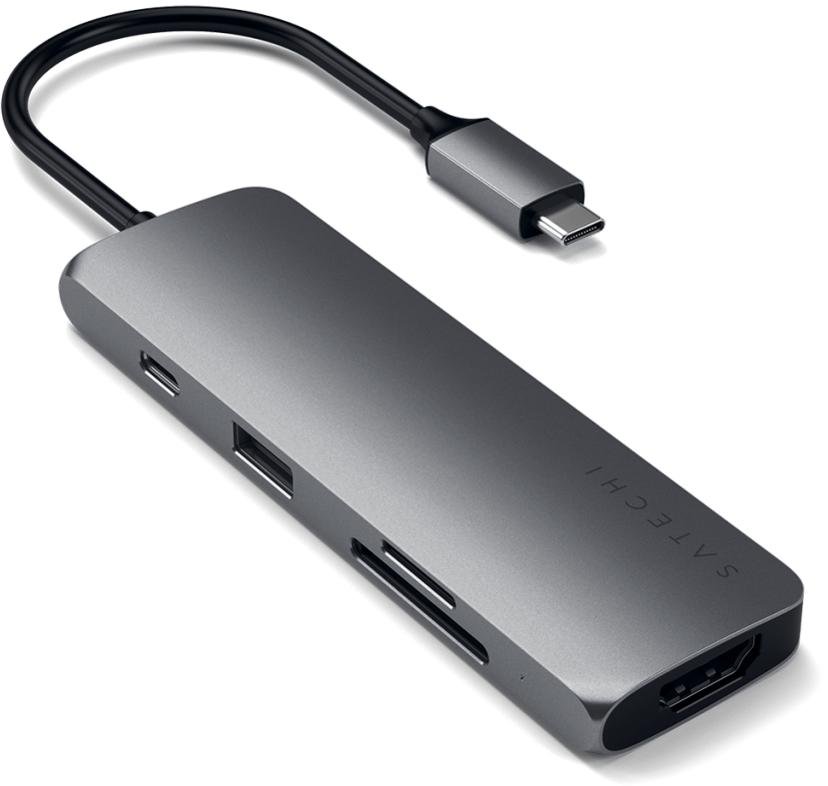
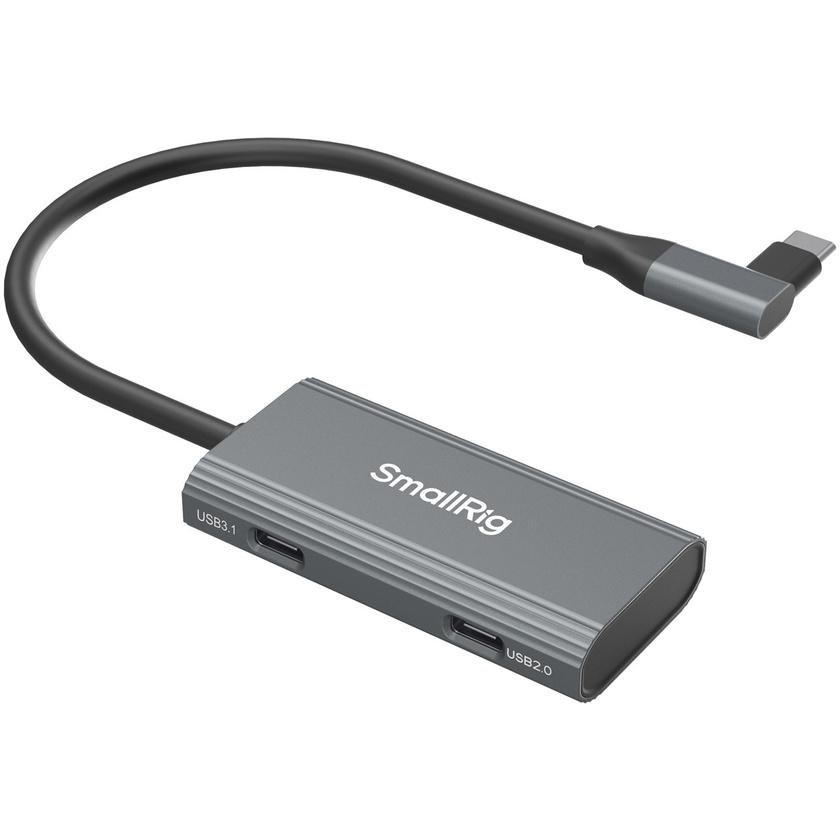
Many creators work directly from their phones. A USB-C hub expands connectivity, making it easier to connect storage devices, SD card readers, keyboards, or HDMI displays, depending on device compatibility.
Benefits
- More connectivity
- Easy file transfers
- Connect external storage
- Read memory cards
- Improve mobile productivity
Best For
- Mobile editing
- File management
- Livestream setups
- Tablet workflows
Buying Tips
Consider hubs with:
- USB-C Power Delivery pass-through
- USB-A ports
- SD and microSD readers
- HDMI output if needed
- Durable aluminum housing
10. Smartphone Cleaning Kit
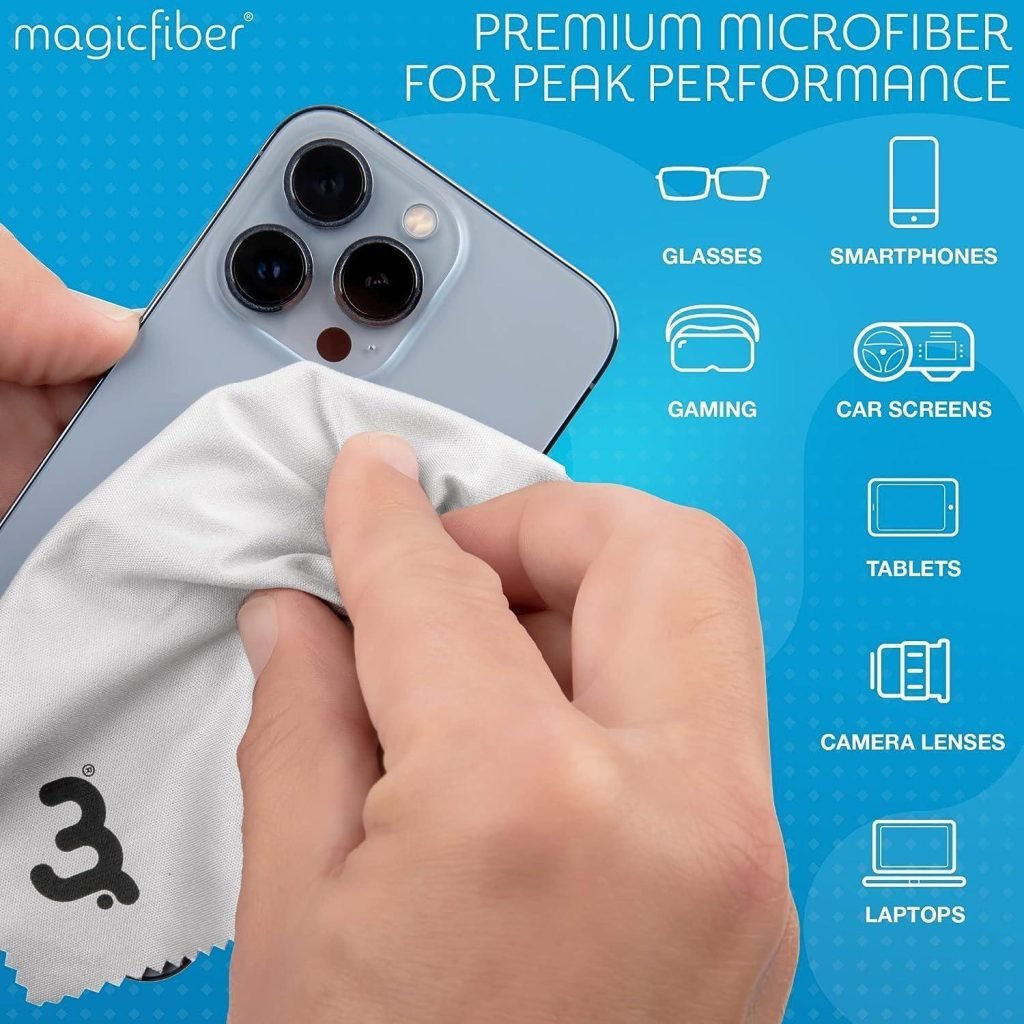
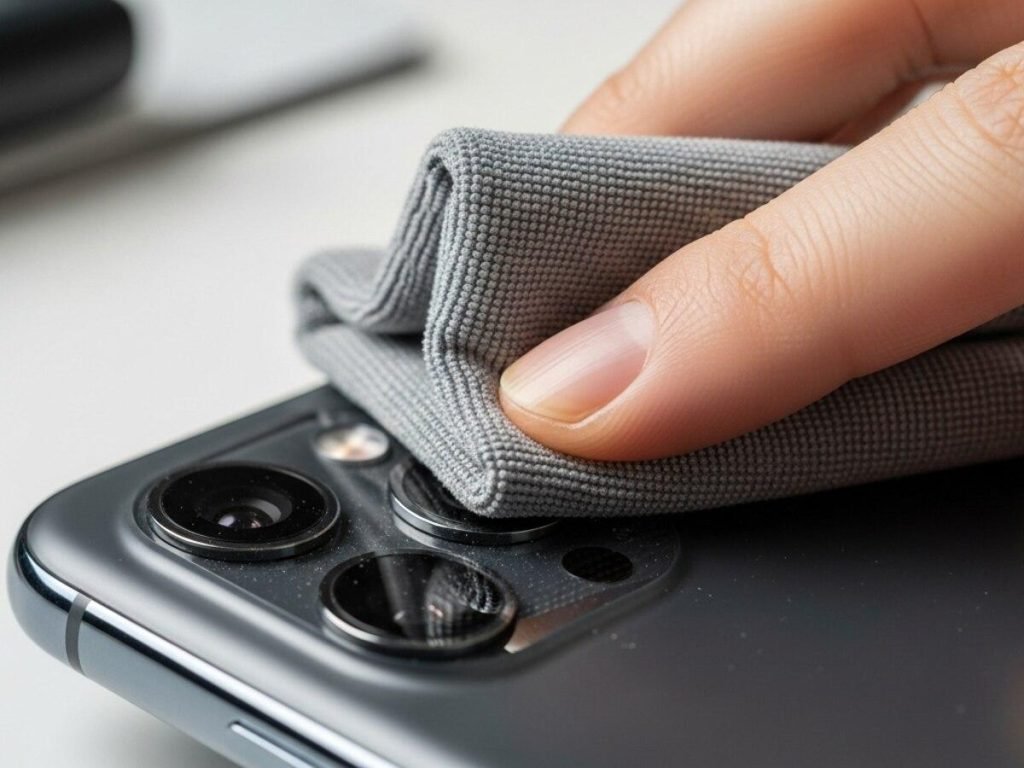
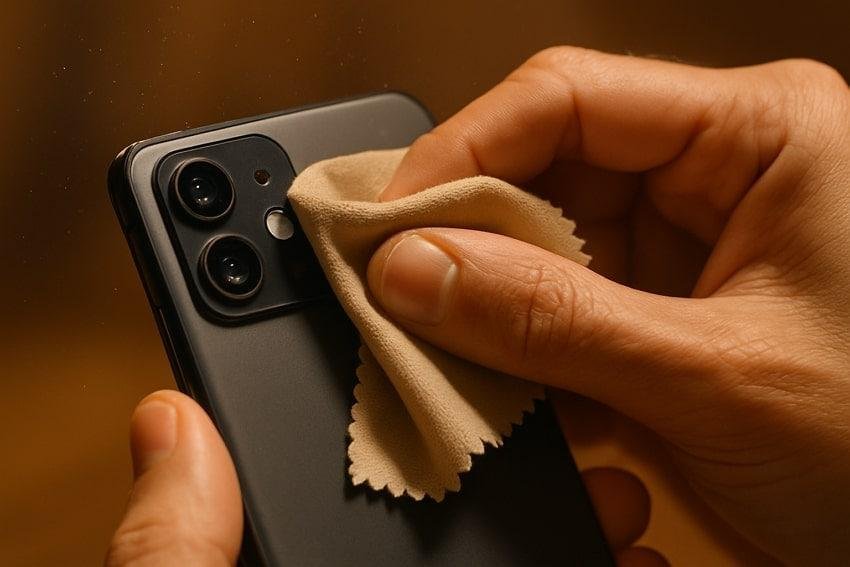
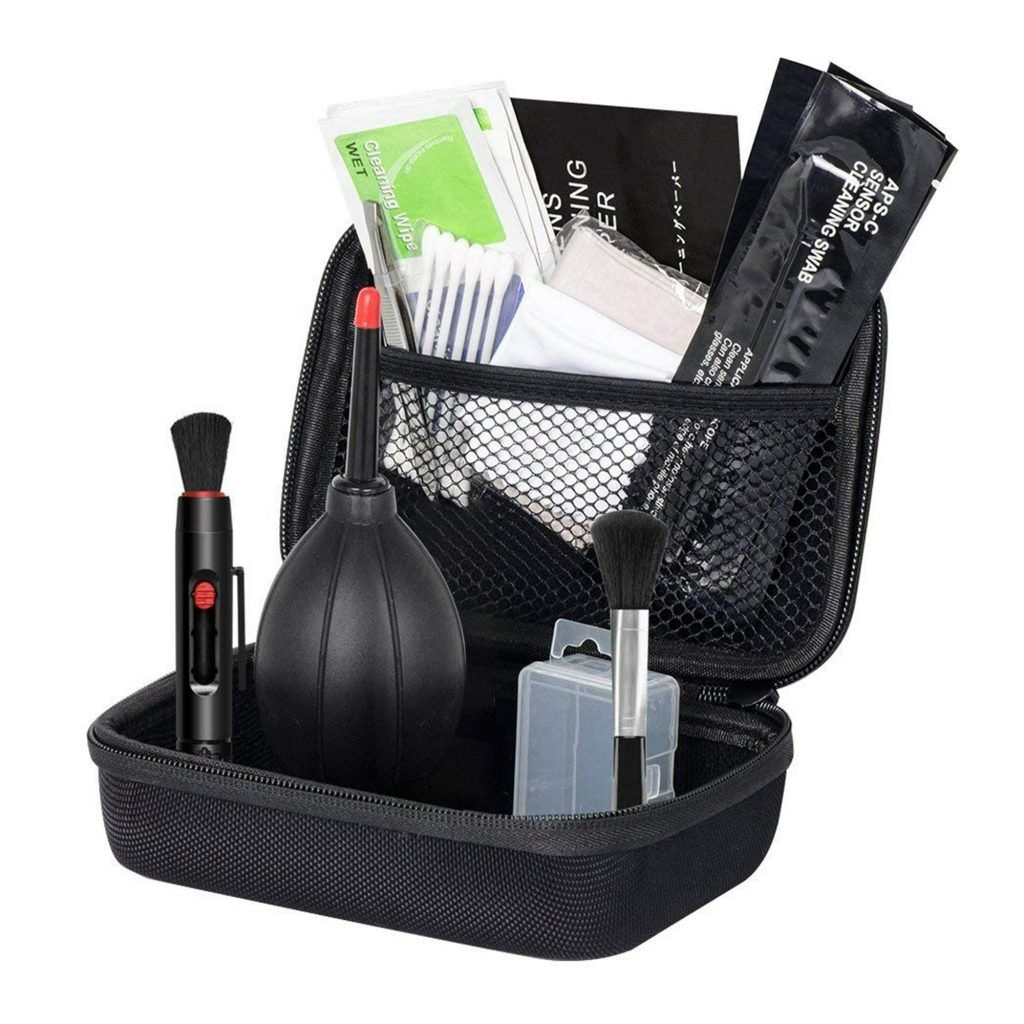
One of the simplest upgrades to your content quality costs very little. Fingerprints, dust, and smudges on your phone’s camera lens can noticeably reduce sharpness and contrast.
A small cleaning kit helps maintain clear, professional-looking footage.
Benefits
- Sharper videos
- Cleaner photos
- Better image clarity
- Longer accessory lifespan
- Easy maintenance
Best For
- Every Facebook creator
- Outdoor filming
- Travel
- Daily smartphone use
Buying Tips
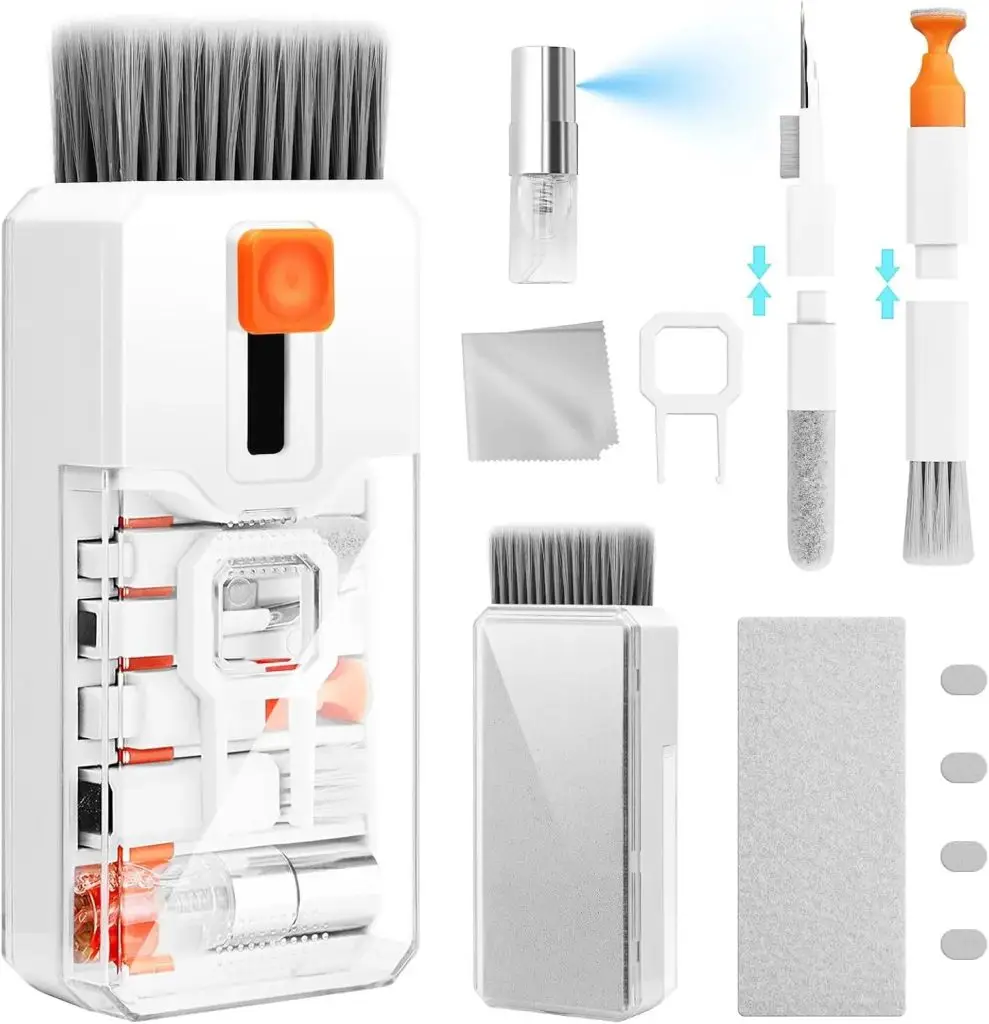
A good kit should include:
- Microfiber cloth
- Lens cleaning solution designed for optics
- Soft cleaning brush
- Air blower
- Protective carrying pouch
Best Facebook Creator Kits by Budget
| Budget | Recommended Accessories |
|---|---|
| Starter Kit | Smartphone tripod, clip-on microphone, ring light, fast charger |
| Intermediate Kit | Wireless microphone, LED video light, 20,000mAh power bank, phone grip |
| Professional Kit | Wireless microphone, premium LED light, portable SSD, USB-C hub, multi-port GaN charger, sturdy tripod |
How to Choose the Right Accessories
Before buying, ask yourself these questions:
What type of content do you create?
- Facebook Reels
- Facebook Live
- Tutorials
- Product reviews
- Interviews
- Travel videos
Different content styles benefit from different accessories.
Where do you usually record?
Indoor creators should prioritize lighting and audio.
Outdoor creators should focus on battery life, portability, and durability.
What is your budget?
A modest budget can still produce professional results if you prioritize essentials such as audio and stability before adding advanced accessories.
Are your accessories compatible?
Check:
- USB-C or Lightning connector
- MagSafe compatibility (if applicable)
- Maximum charging wattage
- Operating system support
- Mounting size and weight limits
Common Buying Mistakes
Avoid these frequent mistakes:
- Buying the cheapest microphone without checking audio quality
- Choosing accessories that are incompatible with your phone
- Ignoring charging speed requirements
- Purchasing oversized equipment that reduces portability
- Overlooking warranty and after-sales support
- Buying counterfeit memory cards or chargers from unknown sellers
Facebook Live Setup Tips
If Facebook Live is a major part of your content strategy, these practices can improve your broadcasts:
- Use a tripod to keep the frame steady.
- Place a light source in front of you rather than behind.
- Test your microphone before going live.
- Keep a power bank connected during long streams.
- Use a reliable Wi-Fi or mobile data connection.
- Clean the camera lens before every session.
- Silence notifications to avoid interruptions.
A Simple Creator Workflow
Following a consistent workflow helps save time and reduces mistakes.
Before Recording
- Clean the camera lens.
- Charge your phone and accessories.
- Check available storage.
- Prepare your script or outline.
- Test lighting and audio.
During Recording
- Use landscape or portrait orientation consistently, depending on your content.
- Monitor battery levels.
- Keep the camera stable.
- Record a short test clip before filming everything.
After Recording
- Back up important files.
- Recharge batteries.
- Organize footage into folders.
- Clean and store your accessories.
Frequently Asked Questions (FAQ)
What are the most important mobile accessories for Facebook creators?
For most creators, the biggest improvements come from a wireless microphone, smartphone tripod, LED video light, fast charger, and power bank. These accessories improve audio quality, video stability, lighting, and recording time.
Do I need an expensive camera to create Facebook content?
No. Modern smartphones are capable of producing high-quality videos. In many cases, investing in better lighting, audio, and stabilization will have a greater impact on your content than upgrading your phone.
Is a wireless microphone worth buying?
Yes, especially if you create Facebook Reels, interviews, tutorials, or Facebook Live videos. Clear audio generally has a greater influence on viewer retention than minor differences in video quality.
Can I use these accessories with both Android phones and iPhones?
Many accessories work with both platforms, but compatibility varies. Before purchasing, verify the connector type (USB-C or Lightning), mounting system, charging standard, and any app requirements.
How much should beginners spend on accessories?
A practical beginner setup typically includes:u003cbru003eSmartphone tripodu003cbru003eClip-on or wireless microphoneu003cbru003eSmall LED lightu003cbru003eFast chargeru003cbru003eThis combination provides the greatest improvement without requiring a large investment.
Is a power bank necessary for Facebook Live?
For creators who stream regularly or record outdoors, a power bank is highly recommended. It helps prevent interruptions caused by battery depletion during longer sessions.
Should I buy a portable SSD or a microSD card?
It depends on your device and workflow.u003cbru003eIf your Android phone supports microSD cards, expandable storage can be an economical option.u003cbru003eIf you frequently transfer large video files between devices, a portable SSD generally offers faster performance and greater flexibility.
Are cheap mobile accessories worth buying?
Not always. Extremely inexpensive chargers, cables, and memory cards may lack safety features or consistent performance. Purchasing from reputable brands and authorized retailers is generally the safer choice.
Final Verdict
Creating engaging Facebook content does not require a professional camera studio. A thoughtfully chosen set of mobile accessories can significantly improve production quality while keeping your setup compact and affordable.
For most creators, the highest priorities should be:
- Wireless microphone
- Smartphone tripod
- LED video light
- Fast USB-C charger
- High-capacity power bank
As your content grows, adding a portable SSD, USB-C hub, phone rig, and other workflow accessories can further improve efficiency and production quality.
The best setup is not necessarily the most expensive one. Instead, choose accessories that match your content style, recording environment, and budget.